Contents16
- Quick guide by how you’ll use it
- Two people facing each other need a bidirectional pattern
- How the YETI 2 and Yeti GX differ in the official specs
- Weight and the arm thread
- YETI 2 features and how it differs from the original Yeti
- Picks by situation
- Two people facing each other
- One person with keyboard, click or fan noise
- One person with little desk noise who wants a dynamic mic
- FAQ
- Yeti 2 vs Yeti GX: which one do I get?
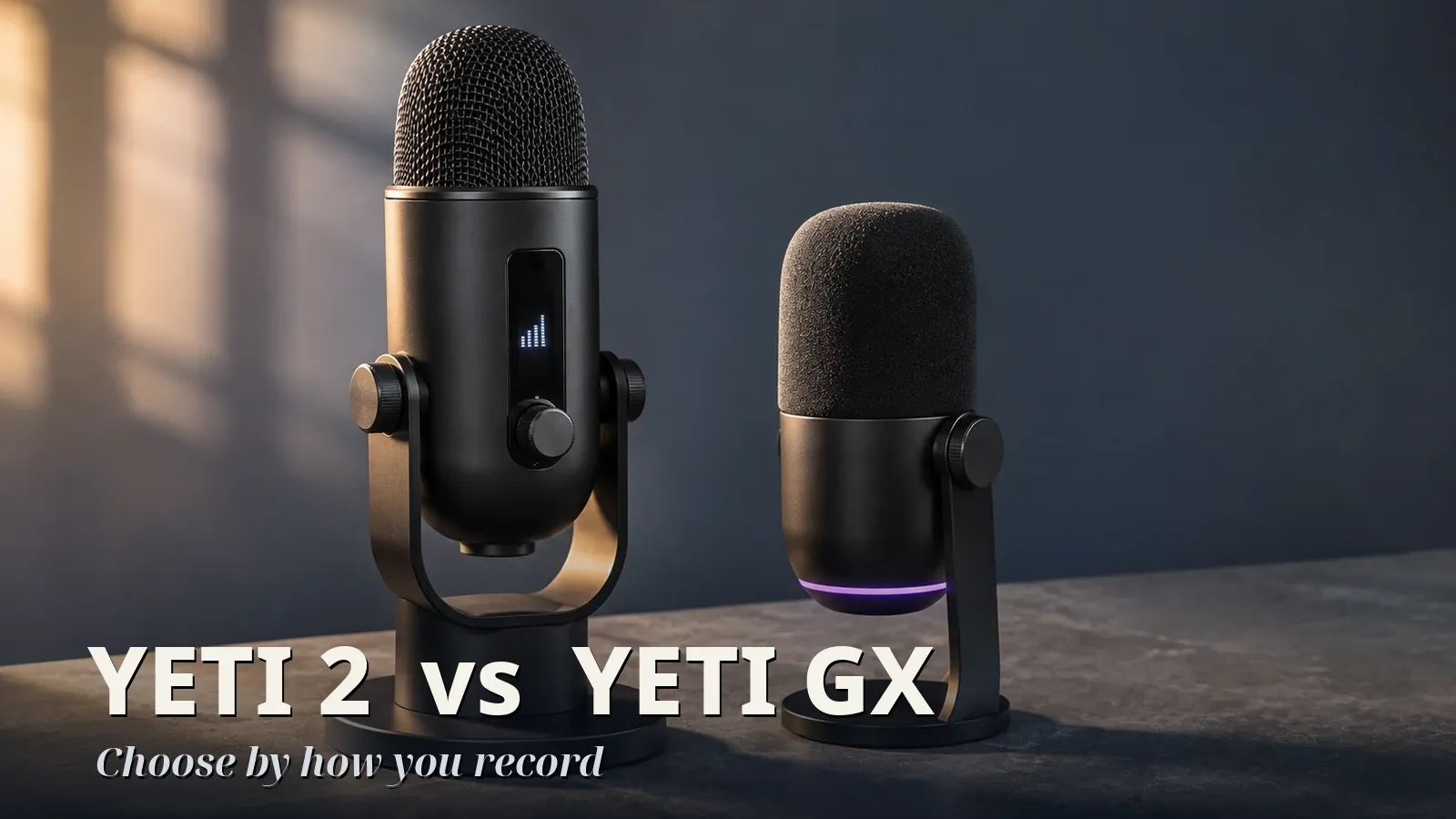
- What’s the difference between the YETI 2 and Yeti GX in the official specs?
- What’s different about the original Yeti compared with the Yeti 2?
- What size is the thread on the Yeti GX?
- Which is better for a desk with a loud keyboard?
- Is the Yeti GX USB only?
Two people facing each other need a bidirectional pattern, which the YETI 2 and original Yeti have. One person at a desk with keyboard or fan noise should look at the YETI 2. Solo with little desk noise and set on a dynamic mic, it’s the Yeti GX.
The original Yeti is the generation before the YETI 2.
Sound quality isn’t compared because no measurements are used. The differences here are the features, patterns, weight and thread in the official specs. This is based on official material as of November 2026.
Quick guide by how you’ll use it
Go down the rows and take the first one that fits. A polar pattern is the direction the mic listens in, and you can switch it on some models.
| Your setup | Spec to check | Which of the three fit |
|---|---|---|
| Two people facing each other | Several patterns including bidirectional | YETI 2, original Yeti |
| Solo, keyboard or fan noise at the desk | Official description of reducing keyboard, click and fan noise | YETI 2 |
| Solo, quiet desk, set on a dynamic mic | Listed as dynamic in the official specs | Yeti GX |
| Solo, little desk noise, no preference | No narrowing spec (this guide maps it to the mics with switchable patterns) | YETI 2, original Yeti |
If you’re unsure, start with how many people will talk.
Two people facing each other need a bidirectional pattern
Per Logitech’s official specs, the YETI 2 has 8 polar patterns (including automatic and custom) and the original Yeti has 4, both including bidirectional. The Yeti GX is supercardioid only, with no switching.
According to Shure’s explainer, bidirectional picks up front and back, for two sources facing each other. RØDE describes supercardioid as narrower at the front. So for two people facing each other, the Yeti GX doesn’t fit.
How the YETI 2 and Yeti GX differ in the official specs
Officially, the YETI 2 and original Yeti are condensers and the Yeti GX is a dynamic. Shure’s explainer describes dynamics as relatively simple in construction, rugged and almost impossible to overload. None of the official sources checked say which type is better for a noisy room.
If room noise worries you, choose by whether the maker describes reducing the noise you have, not by mic type. Of the three, only the YETI 2’s maker names keyboard and fan noise.
According to Logitech’s setup guide, the YETI 2’s De-Noise has three levels. Level 1 targets light noise such as a CPU fan, and level 2 also cuts keyboard and mouse clicks. The guide notes it can affect voice quality, and gives no figure for how much it reduces.
The YETI 2 also has a separate De-Popper that lowers the momentary level of P and B plosives. There’s no figure for how much, and no word on whether it replaces a pop filter.
The Yeti GX’s Smart Audio Lock adjusts gain and reduces background noise. Logitech’s page doesn’t name keyboard or fan noise.
Weight and the arm thread
The YETI 2 weighs 995 g (35.1 oz) with its stand. The original Yeti lists 0.55 kg for the mic and 1 kg for the stand, or 1.55 kg (3.4 lb) together. The YETI 2 is 555 g (19.6 oz) lighter with stands included, and the Yeti GX’s 616 g doesn’t say whether it includes a stand.
On an arm, the original Yeti’s mic alone is 0.55 kg (1.2 lb). The Yeti GX’s mic is 616 g (21.7 oz) or less, whether or not that figure includes a stand. With no official mic-only weight for the YETI 2, use the 995 g (35.1 oz) with-stand figure as the upper bound against an arm’s load rating.
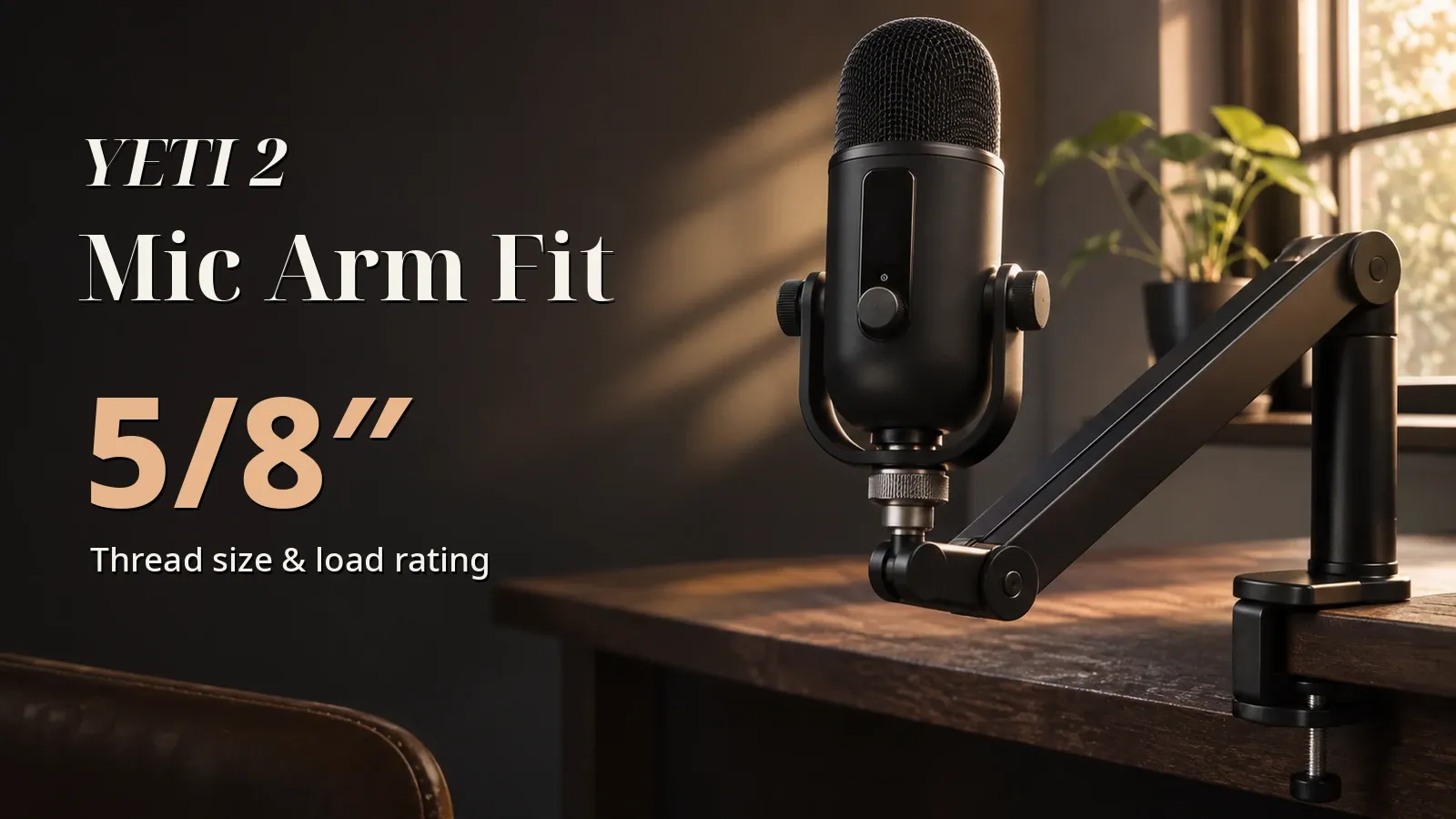
On the bottom, the YETI 2 has a 5/8”-27 thread and the Yeti GX a 1/4”-20. The original Yeti’s thread wasn’t found in the official specs checked. Logitech says the YETI 2 may need a thread adapter depending on the arm, and none is included.
If the arm’s mic screw matches the mic’s thread, it mounts directly; if not, you need an adapter. The Logitech pages retrieved don’t cover mounting the Yeti GX on an arm or an adapter, so check which threads the arm supports.
YETI 2 features and how it differs from the original Yeti
The YETI 2 has 8 patterns, keyboard and fan noise reduction and a proximity sensor, and is 555 g (19.6 oz) lighter with its stand. The original Yeti has 4 patterns, and Logitech’s specs describe neither of those features.
The YETI 2’s proximity sensor watches 90° in front of the mic and adjusts gain, EQ and pattern automatically. It works best with one person in front, and auto-tracking doesn’t work in omnidirectional or bidirectional. For two people facing each other, select bidirectional manually.
The YETI 2 runs its voice processing on the mic, works without G HUB, and stores up to 5 presets on board. For the Yeti GX, Logitech says Blue VO!CE and RGB lighting are set in G HUB.
The original Yeti has three 14 mm condenser capsules, 4 patterns and 16-bit. Both it and the YETI 2 have a headphone output on the mic. Its official specs don’t describe keyboard or fan noise reduction or a proximity sensor, and its spec page carries a note about Logitech Options support ending and the warranty.
Picks by situation
The original Yeti suits two people facing each other. The YETI 2 suits a solo desk with keyboard or fan noise. The Yeti GX suits a solo desk with little noise and a dynamic-mic preference.
Picks are the cheapest product checked here that meets the condition, with 100+ ratings, 4.0+ stars, and Amazon or the brand as the seller.
Based on Amazon listings checked on November 3, 2026, both the YETI 2 and the original Yeti have bidirectional, and the cheaper original Yeti was picked. Only the YETI 2’s maker describes reducing keyboard and fan noise.
The YETI 2 cost about 1.6 times the original Yeti, and the Yeti GX about 1.7 times.
Two people facing each other
It has several polar patterns, including bidirectional. Check the price on the store page.
One person with keyboard, click or fan noise
The maker describes reducing these noises in its official material. The ratings rule was waived for its new listing sold by Amazon.
It has only 32 ratings so far.
One person with little desk noise who wants a dynamic mic
It’s listed as a dynamic mic in the official specs. The Yeti GX listing sold by Amazon.com meets the listing rules.
FAQ
Yeti 2 vs Yeti GX: which one do I get?
Decide by how many people talk and how noisy the desk is. Two people facing each other need bidirectional, which the YETI 2 and original Yeti have.
Solo with a noisy desk points to the YETI 2. Solo with little desk noise and set on a dynamic mic points to the Yeti GX.
Sound quality wasn’t compared.
What’s the difference between the YETI 2 and Yeti GX in the official specs?
Logitech lists the YETI 2 with 8 polar patterns and describes its keyboard and fan noise reduction. It lists the Yeti GX as supercardioid only and describes background noise reduction without naming keyboard or fan noise.
What’s different about the original Yeti compared with the Yeti 2?
The YETI 2 has 8 patterns, keyboard and fan noise reduction and a proximity sensor, and is 555 g (19.6 oz) lighter with its stand. The original Yeti has 4 patterns, and Logitech’s specs describe neither of those features.
What size is the thread on the Yeti GX?
The Yeti GX has a 1/4”-20 thread and the YETI 2 a 5/8”-27, so the same arm may not fit both without an adapter.
Which is better for a desk with a loud keyboard?
If you’re streaming solo, the YETI 2. For two people facing each other, pick a model with a bidirectional pattern.
Of the YETI 2, Yeti GX and original Yeti, only the YETI 2 has official material describing reduction of keyboard and fan noise.
Is the Yeti GX USB only?
The Logitech specs checked don’t list the Yeti GX’s connector. They don’t list an XLR output either.
Data and formulas used (for verification)
Related guides:
- Best Streaming Mic: Game Streams, Talk Streams or Singing
- Which Mic Arm Fits the YETI 2?
- Do You Need a Pop Filter for the YETI 2?
How this was checked: In November 2026, the Logitech support specs and setup guides, the Shure and RØDE explainers, and Amazon.com listings were checked. No mic was tested in hand.
Method
- Covers three Logitech G mics, the YETI 2, Yeti GX and original Blue Yeti, per Logitech’s official support specs, setup guides and store pages, plus Amazon listings checked November 3, 2026. No microphone was tested in hand.
- Figures, capsule type, polar patterns and features come from official material only. Retailer listings are treated as no official figure. No third-party measurements are used, and sound quality is not compared.
- How reader conditions map to slots (this guide’s own grouping): two people facing each other → multiple patterns including bidirectional in the official specs; one person at a desk with keyboard or fan noise → a maker that officially describes reducing keyboard, click and fan noise; one person who has settled on a dynamic → officially a dynamic mic; one person in a quiet room with no preference → multiple patterns.
- Weights are split by whether the stand is included: the YETI 2’s 995 g includes the stand (support spec: microphone with stand), the original Yeti lists 0.55 kg for the mic and 1 kg for the stand, and the Yeti GX’s 616 g doesn’t say. Only the YETI 2 and the original Yeti can be compared stand-included.
- Condenser vs dynamic follows only Shure’s explainer, quoted as written (dynamics are relatively simple in construction, rugged and almost impossible to overload). Polar patterns follow Shure and RØDE; noise reduction and the proximity sensor follow Logitech’s setup guide. No source gives figures for how well they work.
- Picks are the cheapest models that meet the slot condition in official material and whose Amazon listing has 100+ ratings, 4+ stars, is sold by Amazon or the brand, and is new. The YETI 2 launched October 15, 2026 with few ratings, so the ratings bar was waived for its new listing sold by Amazon.
- Not checked: the original Yeti’s mount thread, whether the Yeti GX’s 616 g includes a stand, the YETI 2’s mic-only weight, the YETI 2’s bit depth (no official statement retrieved), and XLR setups.
Official values for the three mics (Logitech support specs and setup guides; retailer listings count as no official figure)
| Model | Type (official) | Polar patterns (official) | Keyboard/fan noise reduction described | Weight (official, stand basis) | Mount thread (official) | Headphone output on the mic | Source |
|---|---|---|---|---|---|---|---|
| Logitech G Blue Yeti 2 (YETI 2) | Condenser | Cardioid, Supercardioid, Hypercardioid, Bidirectional, Omnidirectional, Stereo, Automatic, Custom | Yes (official) | 995 g (with stand) | 5/8”-27 | Yes (official) | support.logi.com |
| Logitech Blue Yeti (original) | Condenser | Cardioid, Bidirectional, Omnidirectional, Stereo | No official figure | mic 0.55 kg, stand 1 kg | No official figure | Yes (official) | support.logi.com |
| Logitech G Yeti GX | Dynamic | Supercardioid | No matching mention (official) | 616 g (stand not stated) | 1/4”-20 | No official figure | support.logi.com |
- The YETI 2’s 995 g is the support spec’s “Microphone with stand”; there’s no official mic-only weight. The original Yeti lists mic and stand weights separately. The Yeti GX’s 616 g doesn’t say whether a stand is included. The Yeti GX’s noise reduction (Smart Audio Lock, background noise) is from Logitech’s official page; headphone outputs are from the YETI 2 and original Yeti support specs. Pick prices and ratios (Amazon.com, checked November 3, 2026; the body shows ratios only)
| Pick | ASIN | Price | Stars / ratings | Ratio to the original Yeti |
|---|---|---|---|---|
| Logitech G Blue Yeti 2 (YETI 2) | B0H8BBT28N | $159.99 | 4.3 / 32 | 159.99 ÷ 99.99 ≒ 1.600 → about 1.6x |
| Logitech Blue Yeti (original) | B01LY6Z2M6 | $99.99 | 4.6 / 57184 | 1 |
| Logitech G Yeti GX | B0BZBYBBVC | $169.99 | 4.5 / 277 | 169.99 ÷ 99.99 ≒ 1.700 → about 1.7x |
- keyboard-and-fan-noise slot, left out: Logitech Blue Yeti (original): no official mention of keyboard or fan noise reduction; Logitech G Yeti GX: its official noise-reduction description doesn’t name keyboard or fan noise.
- bidirectional slot, left out: Logitech G Blue Yeti 2 (YETI 2): meets the condition and listing rules, but a cheaper pick was chosen (it is the keyboard-and-fan-noise pick); Logitech G Yeti GX: no bidirectional pattern in the official specs (Supercardioid).
- dynamic slot, left out: Logitech G Blue Yeti 2 (YETI 2): officially a condenser mic; Logitech Blue Yeti (original): officially a condenser mic.
- Not checked: the original Yeti’s mount thread; whether the Yeti GX’s 616 g includes a stand, whether a stand comes with it, and how it mounts on an arm; the YETI 2’s mic-only weight; the YETI 2’s bit depth (no official statement retrieved); and whether the original Yeti’s support-ending note applies to listings sold today.
Official values used
| Item | Value | Source | Checked |
|---|---|---|---|
| YETI 2 995 g is microphone with stand (official support spec) | Logitech’s support spec lists ‘Microphone with stand weight: 995 g’ (about 35.1 oz, or 2.2 lb), so 995 g includes the stand. The official pages checked give no microphone-only weight. Dimensions are also for the microphone with stand (288.97 x 110 x 125.26 mm, or about 11.4 x 4.3 x 4.9 in). For arm payload checks, use 995 g to be safe. | support.logi.com | 2026-11-03 |
| YETI 2 bottom thread is 5/8”-27; 5/8” boom arm compatible | The support spec lists ‘5/8”- 27 thread at the bottom’ and ‘5/8” boom arm mount compatible’. The setup guide says a thread adapter may be required depending on the boom arm and is not included. | support.logi.com | 2026-11-03 |
| Mounting YETI 2 on a boom arm (official setup guide) | Setup guide: remove the side screws until the mic lifts out of the stand, insert the rubber stoppers from the accessory tray over the threads where the side screws were, then mount via the bottom thread. Box: mic with stand, USB cable, 2 rubber stoppers, documentation. The screen can be flipped 180 degrees for upside-down boom use. | logitech.com | 2026-11-03 |
| YETI 2 AI de-noiser: officially described scope (fans, keyboard/mouse clicks; plosives not mentioned) | Setup guide De-Noise: 3 levels, ML-trained model to separate voice from noise. Level 1 reduces light background noise like CPU fans; level 2 also reduces keyboard and mouse clicks; level 3 is heavy reduction of all non-voice content; some settings may affect voice quality. The De-Noise description does not mention plosives. | logitech.com | 2026-11-03 |
| YETI 2 De-Popper (Signal Cleanup) is separate from the AI denoiser and reduces plosives | Setup guide Signal Cleanup (Blue VO!CE onboard DSP) has De-Esser, De-Popper, Gate, Compressor, High Pass, Limiter, each switchable on the mic, fine settings in G HUB. De-Popper ‘reduces volume of bursts of plosive sounds like those made by P or B’. It is separate from the AI De-Noise. No official figure for effectiveness; no official statement on replacing a physical pop filter was found. The guide also says to speak into the side of the mic, not the top. | logitech.com | 2026-11-03 |
| YETI 2 voice proximity sensor and what it auto-adjusts | Setup guide: with Autogain and/or Auto Tracking on, the sensor measures distance and location to adjust gain, EQ and polar pattern in real time. 90 degree field of view in front; works best with one person; Autotracking does not work in omnidirectional or figure 8. Manual gain target zone -18 to -6. | logitech.com | 2026-11-03 |
| YETI 2 stores presets on the mic; Blue VO!CE runs on the device | Setup guide: Blue VO!CE processing runs on the Yeti 2 itself, G HUB not required; up to 5 onboard presets (P1 Default denoiser level 2; P2 Yeti Classic stereo, denoise off; P3 Gaming denoise 3; P4 Podcast denoise 1, cardioid). | logitech.com | 2026-11-03 |
| YETI 2 capsules, patterns and sample rate (support spec) | Support spec: 3 x 14 mm condenser; patterns Automatic, Supercardioid, Hypercardioid, Cardioid, Bidirectional, Omnidirectional, Stereo, Custom; 48kHz; M/N AU0203. | support.logi.com | 2026-11-03 |
| YETI GX official specs | Support spec: 616 g (stand not specified), 1/4”-20 mic thread, supercardioid, 1 dynamic capsule, 48-96 kHz, 50 Hz-18 kHz, height 170 mm. US store: dynamic capsule with supercardioid; G HUB Blue VO!CE and two LIGHTSYNC RGB zones. No mention of shock mount/pop filter/boom arm on the retrieved page. | support.logi.com | 2026-11-03 |
| Original Yeti official specs | Support spec: mic 0.55 kg and stand 1 kg listed separately; 3 x 14 mm condenser; Cardioid, Bidirectional, Omnidirectional, Stereo; 48 kHz; 16-bit; USB 2.0/3.0; thread not listed. | support.logi.com | 2026-11-03 |
| Polar patterns explained (Shure and RØDE) | Shure and RØDE explainers on omni, cardioid, supercardioid, hypercardioid, bidirectional. Neither gives a speaking-distance figure. | shure.com | 2026-11-03 |
| Condenser vs dynamic (Shure) | Verbatim on the Shure page: ‘Dynamic microphones have relatively simple construction and are therefore economical and rugged.’ and ‘it is almost impossible to overload a dynamic microphone.’ Nothing else on that page is used here. | service.shure.com | 2026-11-03 |
| Mic thread standards 5/8”-27 and 3/8”-16 and adapters | Audio-Technica: two standard stand sizes, 3/8”-16 and 5/8”-27; AT8422 converts 3/8” stands to 5/8”-27. RØDE Thread Adaptor kit covers 1/4, 3/8, 5/8. | audio-technica.com | 2026-11-03 |
| Elgato Wave Mic Arm LP official description | Elgato: sits below the shoulder line for an unobstructed view; compatible with 1/4, 3/8 and 5/8-inch mounts (1/4 mount point; 3/8 and 5/8 adapters in box); max load 2 kg including accessories; clamp up to 60 mm; low-profile for horizontal movement, boom for vertical reach. No lower payload limit stated. | elgato.com | 2026-11-03 |