Contents14
- Quick guide by complaint
- Low-profile arms for view and camera
- Where to clamp when the arm hits the monitor
- A desk stand for a cramped desk
- Load rating and clamp thickness
- Picks by situation
- To keep the arm low
- For a cramped desk
- FAQ
- How do I stop my mic arm from blocking my view?
- How do I keep my mic arm out of the camera shot?
- What if my desk is too cramped for a mic arm?
- How do I fix a mic arm that hits my monitor?
- Can I put a heavy mic on any mic arm?
A low-profile arm that sits low suits an arm in your line of sight or on camera, though camera results depend on the angle. Per its official specs, one maker’s low-profile model reaches 200 mm (about 7.9 in) less vertically than that maker’s standard arm. If it hits the monitor, try moving the clamp first, and on a cramped desk a weighted desk stand needs no clamp.
A low-profile arm is a short arm that stays close to the desk. A clamp is the metal fitting that grips the edge of your desktop.
Quick guide by complaint
Find your complaint in the table to see what to try first. Results depend on your desk and monitor layout, and whether the arm shows on camera depends on your camera’s position and angle.
| Complaint | What to try |
|---|---|
| In your line of sight | Consider a low-profile arm |
| Hits the monitor | Move the clamp, or consider a low-profile arm |
| Cramped desk, no room for a clamp | Switch to a weighted desk stand |
| Shows on camera | Consider a low-profile arm (whether it shows depends on camera position and angle) |
Before you buy, check the space where the arm would run on your desk.
Low-profile arms for view and camera
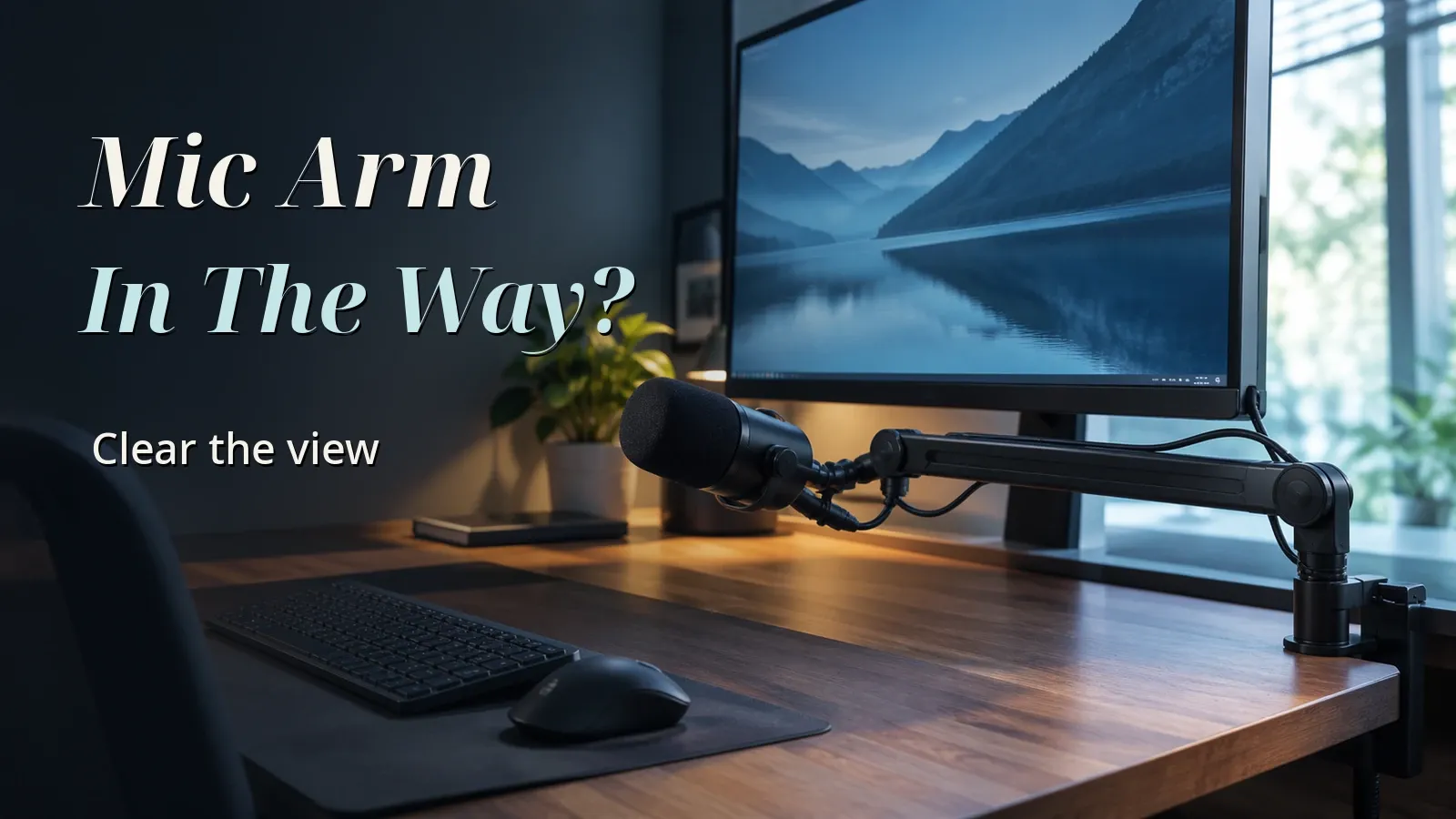
A low-profile arm that sits low is an option if the arm blocks your view. Elgato describes its low-profile Wave Mic Arm LP as sitting below the shoulder line. Its spec section describes low-profile arms as built for horizontal movement and boom arms for vertical reach.
Elgato lists the LP’s vertical reach as 550 mm, or 21.7 in, and the standard Wave Mic Arm’s as 750 mm, or 29.5 in. These are reach distances, not the range of vertical movement.
If it shows on camera, a low-profile arm is an option, but whether it shows depends on your camera’s position and angle. Elgato’s page doesn’t cover how the arm looks on camera, so check what your camera frames before buying.
Where to clamp when the arm hits the monitor
If it hits the monitor, try moving the clamp first: reclamping it beside or behind the monitor changes the arm’s path and costs nothing to try. If it still hits, a low-profile arm is an option, though whether it clears depends on where your monitor sits.
If you consider a low-profile arm, first measure the height of the space where the arm would run. Compare it with Elgato’s official diagram: the LP leaves 70 mm under its lower arm and 160 mm under its upper arm, or about 2.8 in and 6.3 in. Use them to see whether the arm clears what’s under it, such as a monitor base, not whether the whole arm fits under the monitor.
A desk stand for a cramped desk
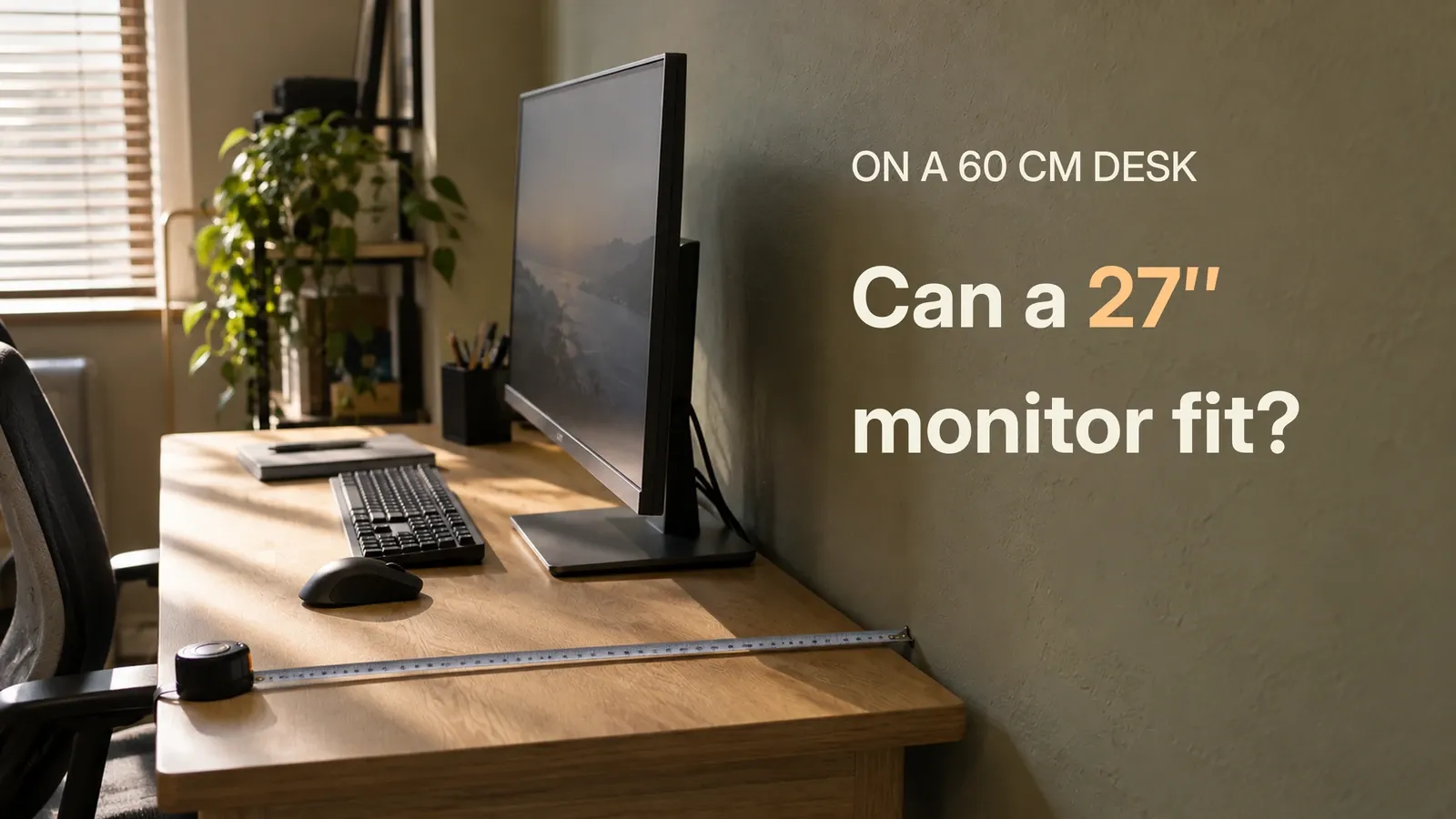
A weighted desk stand sits on the desk with no clamp, so a cramped desk can use one.
The stands checked here don’t list load, thread, or height in maker specs. Check the maker’s page or the box for load and thread before mounting a heavy mic.
Load rating and clamp thickness
Load rating is the weight an arm can hold.
Whatever the shape, check that your mic plus accessories (shock mount, pop filter) is within the arm’s supported weight range. That means at or above the minimum where the maker states one, and at or below the maximum. Where no minimum is stated, check the maximum, and check that the mount thread fits.
Look up your mic’s official weight; some mics only list it with the included stand. If that weight plus accessories is within the maximum, the mic alone is too. If it is over, official figures can’t confirm the fit without a mic-only weight.
Per Elgato’s official specs, the standard Wave Mic Arm is rated 250–1,000 g (about 8.8–35.3 oz), so it has a minimum too.
The LP is rated for up to 2,000 g (about 70.5 oz, or 4.4 lb), mic plus accessories.
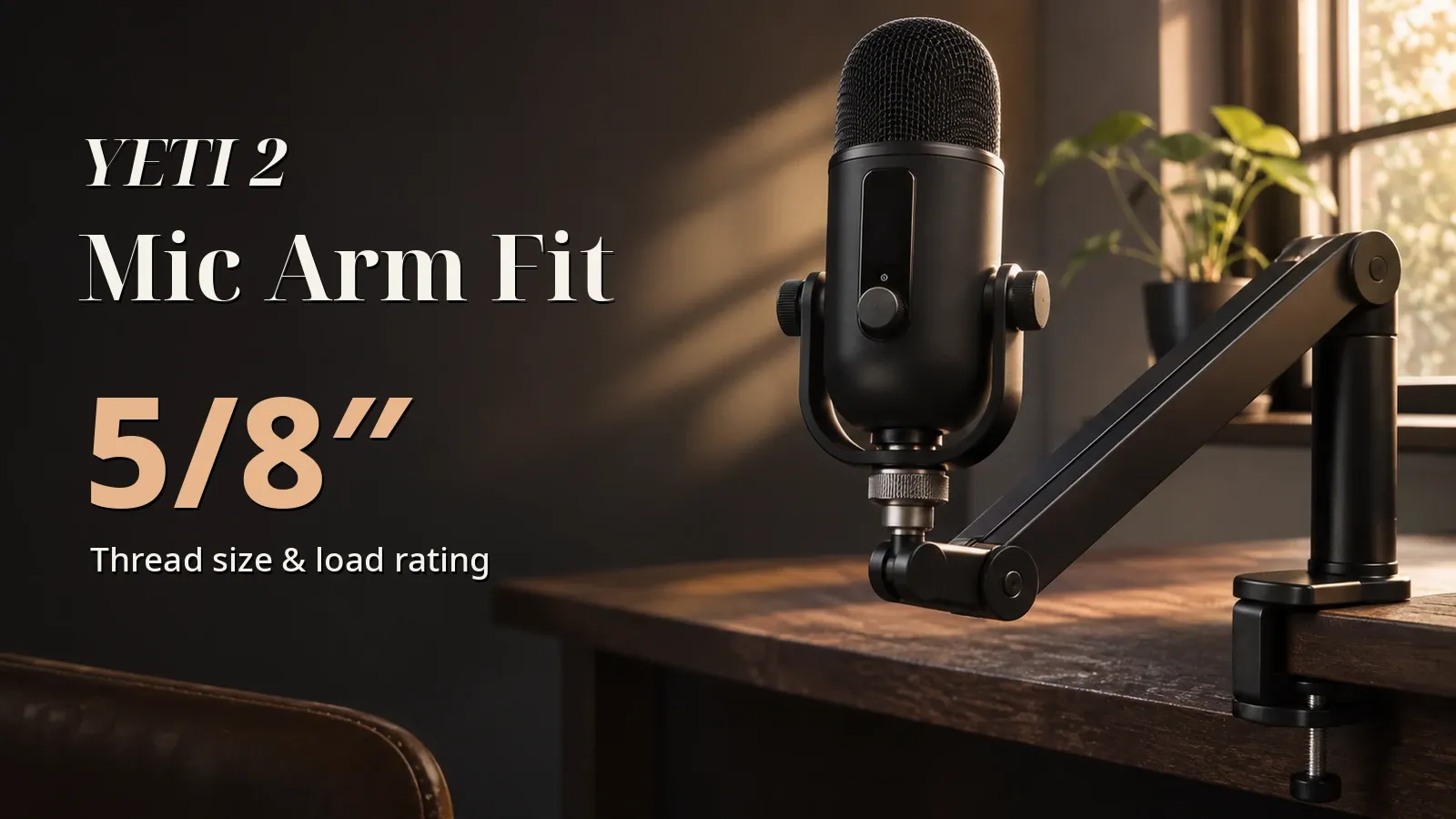
Measure your desktop: the LP clamp fits up to 60 mm (2.4 in) thick. Mount threads vary by mic. The LP has a 1/4-inch mount, with 3/8-inch and 5/8-inch adapters included.
Picks by situation
For an arm that sits low, look at the Elgato Wave Mic Arm LP. For a cramped desk, the On-Stage DS7200B needs no clamp.
Arm picks come only from models whose load and thread are confirmed in official maker specs. Listings must be new, with 100+ ratings and 4.0+ stars, sold by Amazon or a seller named after the brand, and the pick is the cheapest including shipping. Models left out and why are in the data section at the end.
To keep the arm low
Its load rating and mount thread are confirmed in the maker’s official specs.
For a cramped desk
It is a desk stand with a base that sits on the desk, per the listing. The listing doesn’t give its load rating or thread.
FAQ
How do I stop my mic arm from blocking my view?
A low-profile arm that sits low is an option. Compare your seated shoulder height with where you want to mount the arm before you pick one.
How do I keep my mic arm out of the camera shot?
Try a low-profile arm, though your camera’s position and angle decide whether it shows. Check what your camera frames before you buy.
What if my desk is too cramped for a mic arm?
Yes. A weighted desk stand sits on the desk and needs no clamp.
Check that the stand holds your mic plus accessories, and that its thread fits your mic.
How do I fix a mic arm that hits my monitor?
Moving the clamp changes the arm’s path, and you can try it without buying anything. If it still hits, a low-profile arm that runs lower may help, though whether it clears depends on where your monitor sits.
Can I put a heavy mic on any mic arm?
No. Each arm has a load rating. Check that your mic plus accessories is within the arm’s supported weight range: at or above the minimum where the maker states one, and at or below the maximum.
Where no minimum is stated, check the maximum. Also check that the mount thread fits.
Data and formulas used (for verification)
Related guides:
How this was checked: Nothing was tested hands-on. This guide uses the makers’ official specs and Amazon.com listings as of November 3, 2026. The values and sources are in the closed “Data and formulas” section at the end.
Method
- Covers Elgato’s official mic arm specs and Audio-Technica’s thread standards as of November 3, 2026, and Amazon.com listings for low-profile arms and desk stands. Nothing was tested hands-on.
- Each complaint (in your line of sight, hitting the monitor, cramped desk, showing on camera) is matched to an arm shape within what the makers’ official descriptions say. Whether the arm stops being in the way depends on your desk, monitor, and seat, and was not tested.
- Only official maker specs are used for figures.
- Load: compare your mic’s official weight (check whether it includes a stand) with the arm’s official maximum load. If the weight with a stand is within the maximum, the mic alone is too. If it is above, official figures can’t confirm the fit without a mic-only weight. A minimum load is compared only where the arm states one.
- Clamp: desk thickness (assumed 15 to 50 mm) is compared with the arm’s official clamp maximum.
- Arm picks are the cheapest (including shipping) of the models whose load, thread, and clamp are confirmed in official specs, and whose Amazon listing is new, has 100+ ratings and 4+ stars, and is sold by Amazon or the brand (checked November 3, 2026).
Official figures of the arms checked
| Arm | Type | Load | Mount | Clamp | Reach / clearance | Source |
|---|---|---|---|---|---|---|
| Elgato Wave Mic Arm LP | Low-profile | up to 2,000 g (incl. accessories); no minimum stated | 1/4” mount; 3/8” and 5/8” adapters included | up to 60 mm | 740 mm horizontal, 550 mm vertical; 70 mm under the lower arm, 160 mm under the upper arm | elgato.com |
| Elgato Wave Mic Arm | Standard spring (for comparison) | 250–1,000 g (incl. accessories) | 1/4” mount; 3/8” and 5/8” adapters included | up to 60 mm | 780 mm horizontal, 750 mm vertical | elgato.com |
Models with listing information only (not official figures)
| Model | What the listing says |
|---|---|
| InnoGear desk mic stand (weighted base) | Weighted base, no clamp (listing). Load and height not retrieved |
| On-Stage DS7200B | Desk base, no clamp (listing). Load and thread not retrieved |
| AA Audio 5-inch desk stand | Low desk stand (listing). Load and thread not retrieved |
- Low-profile arm slot (pick: Elgato Wave Mic Arm LP), left out: FIFINE low-profile mic arm (the listing qualifies and costs less than the pick, but the maker’s official specs weren’t retrieved, so load and thread can’t be confirmed).
- Desk stand slot (pick: On-Stage DS7200B), left out: InnoGear desk mic stand (weighted base) (meets the condition and listing rules, but a cheaper pick was chosen); AA Audio 5-inch desk stand (meets the condition and listing rules, but a cheaper pick was chosen); SUNMON short desk arm (the Amazon listing doesn’t meet the rules (fewer than 100 ratings, third-party seller)).
- Pole mount: no Amazon.com listing for a mic arm that mounts on a monitor-arm pole was confirmed (VIVO is a monitor arm itself; the Frgyee arm hangs from above).
- Not checked: official statements on whether an arm shows on camera (beyond Elgato’s “below the shoulder line”), and the desk stands’ load, thread, and height.
Assumptions
- Desktop thickness the clamp grips (assumed, not measured; the thick end is compared with the clamp maximum): “50 mm (about 2.0 in)” (15 mm–50 mm)
Official values used
| Item | Value | Source | Checked |
|---|---|---|---|
| Mic thread standards 5/8”-27 and 3/8”-16 and adapters | Audio-Technica: two standard stand sizes, 3/8”-16 and 5/8”-27; AT8422 converts 3/8” stands to 5/8”-27. RØDE Thread Adaptor kit covers 1/4, 3/8, 5/8. | audio-technica.com | 2026-11-03 |
| Elgato Wave Mic Arm LP official description | Elgato: sits below the shoulder line for an unobstructed view; compatible with 1/4, 3/8 and 5/8-inch mounts (1/4 mount point; 3/8 and 5/8 adapters in box); max load 2 kg including accessories; clamp up to 60 mm; low-profile for horizontal movement, boom for vertical reach. No lower payload limit stated. | elgato.com | 2026-11-03 |