Contents18
- Screen size by eye-to-screen distance
- How to measure your distance, and a calculator
- Screen width by inch size
- Two screens and desk width
- Resolution and pixel size
- Picks by size and resolution
- 24-inch 1080p
- 27-inch 1440p
- 27-inch 4K
- 32-inch 1440p
- 32-inch 4K
- FAQ
- What size monitor is best?
- Is a 27-inch monitor too big?
- How wide are 24, 27 and 32-inch monitors?
- Can two monitors fit side by side on a desk?
- 1440p or 4K for a 27-inch monitor?
- Is 1080p too blurry on a 27-inch monitor?
Pick a monitor size by how far your eyes are from the screen, starting from 50 cm. In this calculation, a 24-inch meets the target from 50 cm eye-to-screen, a 27-inch from 56.73 cm, and a 32-inch from 66.22 cm. Right at those distances it is borderline.
Bigger screens mean sitting farther back. If you want two screens, check your desk width too.
Screen size by eye-to-screen distance
Find your distance in the table to see the largest size that meets the target. Assumptions: distance from eyes to screen surface. For 27- and 32-inch, the target is where the screen’s width looks as wide as a 24-inch does at 50 cm
| Eyes to screen | 24-inch | 27-inch | 32-inch | Largest size that meets the target |
|---|---|---|---|---|
| 45 cm (17.7 in) | Closer than the target (below OSHA’s preferred range; meets Japan’s 40 cm guideline) | Closer than the target | Closer than the target | None (even a 24-inch is closer than the target) |
| 50 cm (19.7 in) | Meets the target (borderline, 0 cm to spare) | Closer than the target | Closer than the target | 24-inch (23.8”) |
| 60 cm (23.6 in) | Meets the target | Meets the target | Closer than the target | 27-inch |
| 70 cm (27.6 in) | Meets the target | Meets the target | Meets the target | 32-inch (31.5”) |
“Closer” means closer than the target. Closer than 50 cm is closer than the target even for a 24-inch, so move your seat or the screen back.
How to measure your distance, and a calculator
Measure from your eyes to the screen with a tape measure.
- Sit the way you sit for the longest. Leaning in or sitting back changes the distance
- Measure from your eyes to the screen surface. With only a laptop, measure to where the monitor will sit
- Choosing a desk first? Work it out from the desk depth, as in Does a 27-inch monitor fit a 60 cm deep desk?
For example, in this calculation a 27-inch meets its 56.73 cm target at 60 cm, but a 32-inch falls short of its 66.22 cm target.
Monitor size for your viewing distance
Pick your eyes-to-screen distance to see the largest size (24, 27 or 32-inch) that meets this article's target, plus one monitor that fits. For two screens, pick your desk width too.
For these settings
For these settings
For these settings
For these settings
For these settings
For these settings
For these settings
For these settings
For these settings
For these settings
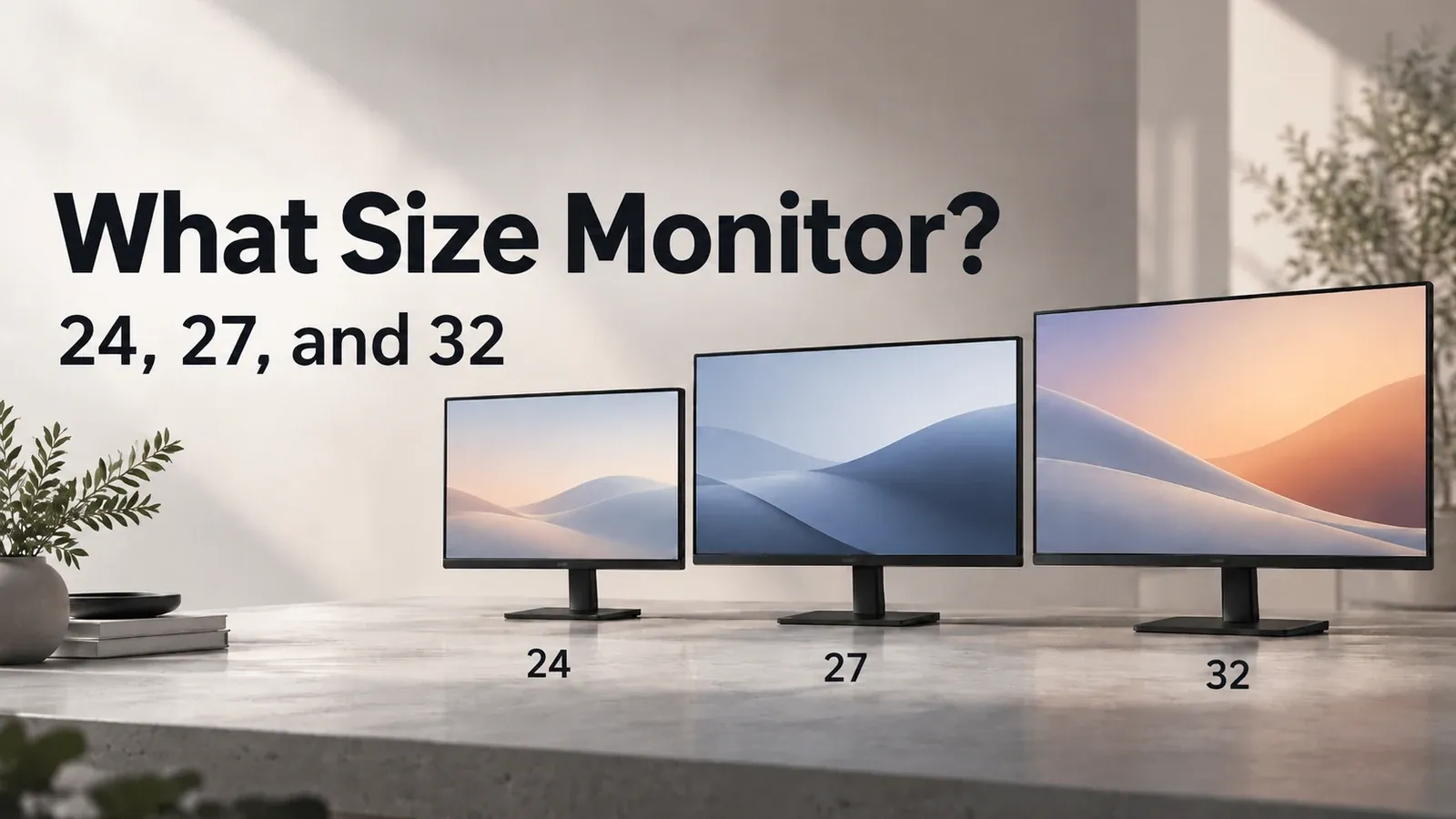
Screen width by inch size
A “27-inch” is the diagonal of the screen, not its width.
- 24-inch (23.8”): 52.7 cm wide, 29.6 cm tall
- 27-inch: 59.8 cm wide, 33.6 cm tall, with 1.29× the area of a 24-inch
- 32-inch (31.5”): 69.8 cm wide, 39.3 cm tall, with 1.76× the area of a 24-inch
Comparing current models from Dell, LG, BenQ, ASUS and other major brands on their official specs, the width with frame and stand was 1.1–1.7 cm wider than the viewable area.
Two screens and desk width
Among current models from major brands, any model fits two screens on a desk 108.6 cm or wider for 24-inch, 123 cm for 27-inch, 143 cm for 32-inch. Right at those widths it is borderline.
Assumptions: width with stand for current models from major brands, side by side with no gap
| Desk width | Two 24-inch | Two 27-inch | Two 32-inch |
|---|---|---|---|
| 100 cm (39.4 in) | None of the models compared fit (7.53 cm over even with the narrowest) | None of the models compared fit (21.94 cm over even with the narrowest) | None of the models compared fit (42.51 cm over even with the narrowest) |
| 120 cm (47.2 in) | Fits (11.4–12.47 cm left) | None of the models compared fit (1.94 cm over even with the narrowest) | None of the models compared fit (22.51 cm over even with the narrowest) |
| 130 cm (51.2 in) | Fits (21.4–22.47 cm left) | Fits (7–8.06 cm left) | None of the models compared fit (12.51 cm over even with the narrowest) |
| 150 cm (59.1 in) | Fits (41.4–42.47 cm left) | Fits (27–28.06 cm left) | Fits (7.08–7.49 cm left) |
- “Left” is the width left over, from the widest model to the narrowest
- Check the stand width on the spec sheet of the monitor you buy
Resolution and pixel size
Display scaling is the setting that makes text and buttons larger. At the same display scaling, text size follows pixel size. 1080p is 1920×1080, 1440p is 2560×1440 and 4K is 3840×2160.
Against a 24-inch 1080p screen at the same scaling, a 27-inch 1440p screen shows text at 0.85× the size and a 4K one at 0.57×. Both make text smaller, so plan to raise the display scaling on 4K.
A 32-inch 1440p screen is 0.99×: the same text size on a bigger screen. A 27-inch 1080p screen shows text at 1.13× the size, with the same screen space.
Raising the scaling shows less on screen at once. The 4K monitor guide works out how much.
Picks by size and resolution
Five combinations checked, 5 models picked. The conditions:
- Sold new on Amazon.com by Amazon or the maker
- The maker’s spec page shows the same model number as the listing
- At least 100 ratings and 4 stars or more
Of the Amazon.com listings checked, each pick is the cheapest that meets them. Listings sold and shipped by Amazon were compared with no shipping charge. Check prices on the store.
For 27-inch 1080p, see Does a 27-inch monitor fit a 60 cm deep desk?.
24-inch 1080p
The smallest combination, with a target of 50 cm or more from eye to screen, borderline right at it.
This listing has a size selector: pick the 24-inch LS24D304GANXZA (the Amazon.com-sold one; the LS24D300GANXZA is a different listing). Whether the ratings are pooled with other sizes wasn't checked.
27-inch 1440p
The standard pick with no scaling change, with a target of 56.73 cm or more from eye to screen, borderline right at it.
27-inch 4K
Used with the scaling raised, with a target of 56.73 cm or more from eye to screen, borderline right at it.
32-inch 1440p
For a wider workspace, with a target of 66.22 cm or more from eye to screen, borderline right at it.
32-inch 4K
For a big screen with fine detail, with a target of 66.22 cm or more from eye to screen, borderline right at it.
FAQ
What size monitor is best?
In this calculation, a 24-inch needs 50 cm eye-to-screen or more, a 27-inch 56.73 cm, a 32-inch 66.22 cm; right at those distances it is borderline.
Is a 27-inch monitor too big?
In this calculation, a 27-inch looks no wider than a 24-inch does at 50 cm once you sit 56.73 cm or more from the screen. Right at that distance it is borderline.
How wide are 24, 27 and 32-inch monitors?
The 24-inch is the 23.8-inch size and the 32-inch is the 31.5-inch size. The viewable width is 52.7 cm for a 24-inch, 59.8 cm for a 27-inch and 69.8 cm for a 32-inch.
Can two monitors fit side by side on a desk?
Among current models from major brands, any model fits two screens on a desk 108.6 cm or wider for 24-inch, 123 cm for 27-inch, 143 cm for 32-inch. Right at those widths it is borderline.
Among current 27-inch models from major brands, none fits two side by side on a 120 cm wide desk. Even the narrowest sticks out 1.94 cm.
1440p or 4K for a 27-inch monitor?
Against a 24-inch 1080p screen at the same scaling, a 27-inch 1440p screen shows text at 0.85× the size and a 4K one at 0.57×. Both make text smaller, so plan to raise the display scaling on 4K.
Is 1080p too blurry on a 27-inch monitor?
Against a 24-inch 1080p screen at the same scaling, a 27-inch 1080p screen shows text at 1.13× the size, with the same screen space. Bigger pixels make the picture a little less sharp.
Data and formulas used (for verification)
How this was checked: Worked out from the makers’ official dimensions and specs as of October 2026. None were tested in person. The target starts from the 50 cm to 100 cm range that OSHA calls preferred. Japan’s health ministry guideline gives 40 cm or more as a rough minimum.
Sources: OSHA / Japan’s health ministry guideline (PDF, Japanese) / Dell / LG
Method
- Target distance: for a 24-inch, the lower end of OSHA’s preferred range, 50 cm. For 27- and 32-inch, the distance at which the screen’s viewable width looks the same as a 24-inch at 50 cm: 50 cm × viewable width ÷ the 23.8-inch viewable width (52.704 cm), rounded up to two decimals (27-inch 56.73 cm (22.4 in), 32-inch 66.22 cm (26.1 in)). This is this guide’s own figure, not an official standard.
- Viewable widths are worked out from the makers’ official diagonal and aspect ratio assuming square pixels, or taken from the spec’s active area. The 24-inch class uses 23.8-inch and the 32-inch class uses 31.5-inch. The 32-inch target uses the widest viewable area among the models.
- Each row of the table checks whether the eye-to-screen distance is at least the target. Exactly at the target it passes, and 0.01 cm short it fails, so room is close to zero and the article says borderline.
- Two screens: needed width = 2 × width with stand, using the widest of the 9 models 24-inch, 11 models 27-inch and 5 models 32-inch models checked, rounded up to one decimal, with no gap. A desk at least that wide fits all; one that fits only the narrowest model is conditional; otherwise none fit. Left = desk width − needed width.
- Resolution: text size ratio at the same scaling = pixel pitch ÷ the 23.8-inch 1080p pixel pitch (0.2745 mm). Smaller means smaller text.
- Dimensions and specs come from the makers’ official pages (checked dates are on each fact). No unit was measured in person. Picks are the cheapest with shipping among new listings on Amazon.com with at least 100 ratings and 4 stars, whose model number matches the maker’s spec page.
Official values used
| Item | Value | Source | Checked |
|---|---|---|---|
| Lower end of OSHA’s preferred range | 50 cm | osha.gov preferred viewing distance is between 20 and 40 inches (50 and 100 cm) from the | 2026-10-07 |
| Upper end of OSHA’s preferred range | 100 cm | osha.gov same sentence (20–40 in, 50–100 cm) | 2026-10-07 |
| MHLW minimum eye-to-screen distance | 40 cm | mhlw.go.jp | 2026-10-07 |
| 23.8-inch viewable width | 52.704 cm | dl.dell.com S2425H Active Area Horizontal 527.04 mm p.16 | 2026-10-07 |
| 23.8-inch viewable height | 29.646 cm | dl.dell.com S2425H Active Area Vertical 296.46 mm p.16 | 2026-10-07 |
| 27-inch viewable width | 59.789 cm | dl.dell.com S2725H Active Area Horizontal 597.89 mm p.16 | 2026-10-07 |
| 27-inch 1440p viewable width | 59.674 cm | dl.dell.com S2725DS Active Area Horizontal 596.74 mm p.16 | 2026-10-07 |
| 27-inch viewable height | 33.631 cm | dl.dell.com S2725H Active Area Vertical 336.31 mm p.16 | 2026-10-07 |
| 31.5-inch viewable width | 69.731 cm | dl.dell.com S3225QS Active area Horizontal 697.31 mm Table 7 | 2026-10-07 |
| 31.5-inch viewable height | 39.223 cm | dl.dell.com S3225QS Vertical 392.23 mm Table 7 | 2026-10-07 |
| 23.8-inch 1080p pixel pitch | 0.2745 mm | dl.dell.com S2425H Pixel pitch 0.2745 mm p.16 | 2026-10-07 |
| 27-inch 1080p pixel pitch | 0.3114 mm | dl.dell.com S2725H Pixel pitch 0.3114 mm p.16 | 2026-10-07 |
| 27-inch 1440p pixel pitch | 0.2331 mm | dl.dell.com S2725DS Pixel pitch 0.2331 mm p.16 | 2026-10-07 |
| 27-inch 4K pixel pitch | 0.1554 mm | dl.dell.com S2725QS Pixel pitch 0.1554 mm Table 7 | 2026-10-07 |
| 31.5-inch 1440p pixel pitch | 0.2727 mm | lg.com | 2026-10-07 |
| 31.5-inch 4K pixel pitch | 0.18159 mm | dl.dell.com S3225QS Pixel pitch 0.18159 mm Table 7 | 2026-10-07 |
| Dell S2425H width with stand | 53.764 cm | dl.dell.com S2425H W with stand 537.64 mm p.21 | 2026-10-06 |
| Dell P2425H width with stand | 53.864 cm | dl.dell.com P2425H W with stand 538.64 mm | 2026-10-06 |
| LG 24MR400-B width with stand | 54 cm | lg.com W with stand 540 mm | 2026-10-06 |
| BenQ GW2490 width with stand | 54 cm | benq.com 540 mm (21.3 in) | 2026-10-06 |
| ASUS VA24EHF width with stand | 53.95 cm | asus.com 53.95 cm | 2026-10-06 |
| AOC 24G15N width with stand | 53.97 cm | aoc.com 539.7 mm | 2026-10-06 |
| iiyama XUB2493HS-B6 width with stand | 53.95 cm | iiyama.com 539.5 mm | 2026-10-06 |
| Samsung S30GD (LS24D304GANXZA) width with stand | 54.07 cm | samsung.com 540.7 mm | 2026-10-06 |
| BenQ GW2490P width with stand | 54.3 cm | benq.com 543x414.3x181.9 mm | 2026-10-07 |
| Dell S2725H width with stand | 60.969 cm | dl.dell.com S2725H W with stand 609.69 mm p.21 | 2026-10-06 |
| Dell P2725H width with stand | 61.068 cm | dl.dell.com P2725H W with stand 610.68 mm | 2026-10-06 |
| Dell S2725DS width with stand | 61.134 cm | dl.dell.com W with stand 611.34 mm p.23 | 2026-10-06 |
| LG 27MR400-B width with stand | 61.17 cm | lg.com 611.7 mm | 2026-10-06 |
| BenQ GW2790 width with stand | 61.2 cm | benq.com 612 mm | 2026-10-06 |
| ASUS VG27AQ3A width with stand | 61.5 cm | asus.com 61.50 cm | 2026-10-06 |
| MSI MAG 275QF width with stand | 61.33 cm | msi.com 613.3 mm | 2026-10-06 |
| Dell S2725QS width with stand | 61.154 cm | dl.dell.com Width 611.54 mm (with stand) Table 13 | 2026-10-07 |
| LG 27U711B-B width with stand | 61.4 cm | lg.com | 2026-10-07 |
| LG 27US500-W width with stand | 61.4 cm | lg.com | 2026-10-07 |
| Dell S3225QS width with stand | 71.254 cm | dl.dell.com Width 712.54 mm (with stand) | 2026-10-07 |
| ASUS VP327Q width with stand | 71.46 cm | asus.com | 2026-10-07 |
| LG 32U701B-B width with stand | 71.4 cm | lg.com | 2026-10-07 |
| 32-inch 1440p viewable width | 69.8 cm | lg.com | 2026-10-07 |
| LG 32U631A-B width with stand | 71.4 cm | lg.com | 2026-10-07 |
| LG 32G620B-B width with stand | 71.3 cm | lg.com | 2026-10-07 |
| BenQ GW3290QT width with stand | 71.46 cm | benq.com | 2026-10-07 |
| BenQ MA320U width with stand | 71.45 cm | benq.com | 2026-10-07 |
| Dell S2725DSM width with stand | 61.134 cm | dell.com | 2026-10-07 |
| 32-inch 1440p viewable height | 39.3 cm | lg.com | 2026-10-07 |
| Samsung S30GD (LS24D304GANXZA) viewable width | 52.704 cm | samsung.com | 2026-10-07 |
Monitor size for your viewing distance: quick reference
The calculator in this article shows the result for your own settings. Settings can be set in the URL; each link below opens the calculator with those settings.
| Settings | Result | Calculator |
|---|---|---|
| 50 cm (20 in), 1440p for 27/32-inch, 1 screen | △ Up to 24-inch (borderline). Just meets the 24-inch target of 50 cm (0 cm to spare). The 27-inch target is 56.73 cm, 6.73 cm farther than you sit | Open with these settings |
| 55 cm (22 in), 1440p for 27/32-inch, 1 screen | ✓ Up to 24-inch. Meets the 24-inch target of 50 cm (5 cm to spare). The 27-inch target is 56.73 cm, 1.73 cm farther than you sit | Open with these settings |
| 60 cm (24 in), 1440p for 27/32-inch, 1 screen | ✓ Up to 27-inch. Meets the 27-inch target of 56.73 cm (3.27 cm to spare). The 32-inch target is 66.22 cm, 6.22 cm farther than you sit | Open with these settings |
| 65 cm (26 in), 1440p for 27/32-inch, 1 screen | ✓ Up to 27-inch. Meets the 27-inch target of 56.73 cm (8.27 cm to spare). The 32-inch target is 66.22 cm, 1.22 cm farther than you sit | Open with these settings |
| 70 cm (28 in), 1440p for 27/32-inch, 1 screen | ✓ Up to 32-inch. Meets the 32-inch target of 66.22 cm (3.78 cm to spare) | Open with these settings |
| 75 cm (30 in), 1440p for 27/32-inch, 1 screen | ✓ Up to 32-inch. Meets the 32-inch target of 66.22 cm (8.78 cm to spare) | Open with these settings |
| 80 cm (31 in), 1440p for 27/32-inch, 1 screen | ✓ Up to 32-inch. Meets the 32-inch target of 66.22 cm (13.78 cm to spare) | Open with these settings |
| 60 cm (24 in), 4K for 27/32-inch, 1 screen | ✓ Up to 27-inch. Meets the 27-inch target of 56.73 cm (3.27 cm to spare). The 32-inch target is 66.22 cm, 6.22 cm farther than you sit | Open with these settings |
| 75 cm (30 in), 4K for 27/32-inch, 1 screen | ✓ Up to 32-inch. Meets the 32-inch target of 66.22 cm (8.78 cm to spare) | Open with these settings |
| 70 cm (28 in), 1440p for 27/32-inch, 2 screens, 120 cm | ✓ Up to 24-inch. Meets the 24-inch target of 50 cm (20 cm to spare). Two 27-inch screens don’t fit on this desk | Open with these settings |
| 70 cm (28 in), 1440p for 27/32-inch, 2 screens, 140 cm | ✓ Up to 27-inch. Meets the 27-inch target of 56.73 cm (13.27 cm to spare). Two 32-inch screens don’t fit on this desk | Open with these settings |