Contents14
- What makers say about placement
- Computer operating humidity and distance
- Steam, ultrasonic and evaporative humidifiers
- Surface temperatures where condensation can form
- How to check humidity with a hygrometer
- Humidity limits while humidifying
- Picks by situation
- To humidify a room
- To read humidity at your desk
- FAQ
- Can I put a humidifier near my computer?
- Is the white dust from an ultrasonic humidifier bad for a computer?
- When does room humidity cause condensation?
- Does a small desk humidifier do anything?
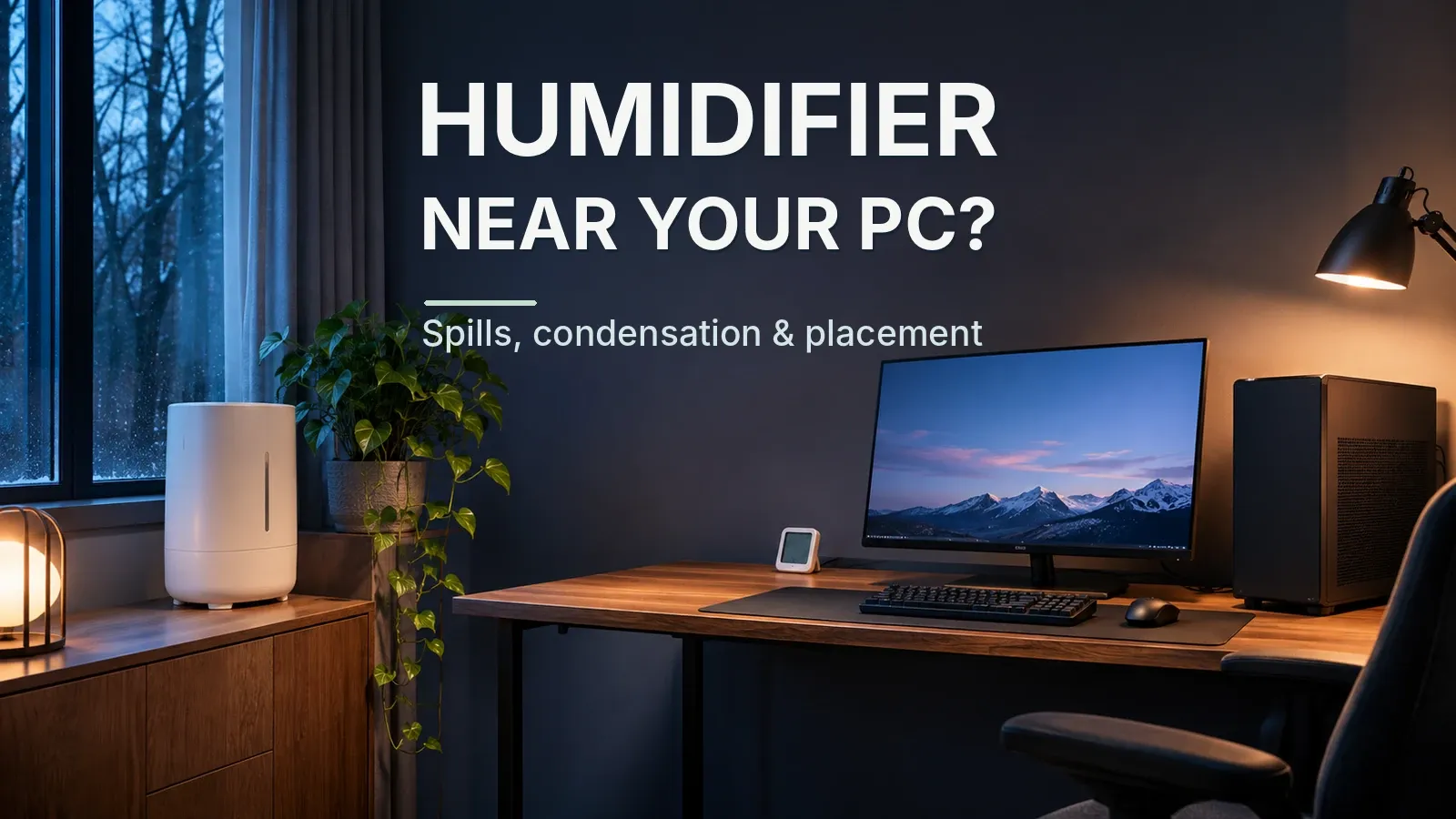
Honeywell says to avoid placing a humidifier beside TVs or other electronics and Levoit names computers; this guide suggests a spot a spill cannot reach. Using an approximation and assumed conditions, in a 68°F room at 50% RH, surfaces at about 50°F (10°C) or colder can collect condensation, per the table.
Condensation forms on a surface colder than the temperature at which water vapor turns to liquid (the dew point). In a 68°F room, surfaces at about 45°F (7°C) or colder can collect condensation at 40% RH, and 56°F or colder at 60%, by estimate. Check humidity with a hygrometer on your desk.
As of November 2026, this guide checked official maker pages from Honeywell, Levoit, Dell and Apple, EPA guidance, and Amazon.com listings (the hygrometer listing on October 17, 2026). It did not test any unit. Dew points are estimates from an approximation, and room conditions and window or laptop surface temperatures are assumptions.
What makers say about placement
Honeywell says to avoid placing a humidifier beside TVs or other electronics. This guide’s own suggestion is a spot where a tipped-over tank cannot spill onto the computer; the pages checked give no distance.
Levoit says to avoid placing humidifiers near TVs, computers, lamps, heating vents, radiators or fireplaces. Neither Levoit nor Honeywell says what happens to a computer or how far away to put the humidifier.
Computer operating humidity and distance
Dell lists 10% to 90% non-condensing for the XPS 15 9570 and Apple lists 0% to 95% for Mac laptops; other models differ, so check your manual. Both say non-condensing, so condensation is the thing to avoid.
Within what this guide checked, there is no official distance between a humidifier and a computer. Check the manual for your monitor and keyboard too.
Steam, ultrasonic and evaporative humidifiers
None of the steam, warm-mist, Honeywell or Levoit pages checked says what a humidifier does to a computer.
EPA says to use low-mineral water such as distilled water, to prevent releasing minerals into the air. EPA says ultrasonic and impeller humidifiers spread tap-water minerals into the air as white dust; no source checked says whether that harms a computer. The EPA text quoted here names only ultrasonic and impeller types, so it doesn’t say whether an evaporative unit like the pick below leaves white dust.
Surface temperatures where condensation can form
In a 68°F room, surfaces at about 45°F (7°C) or colder can collect condensation at 40% RH, by estimate. The line is 50°F at 50% and 56°F at 60%.
Read the table by the higher row and column. A hygrometer’s humidity reading has some error, so add it first (see the steps below) and then pick the column. Beyond 75.2°F (24°C) or 60% RH, this table can’t tell you.
| Room | 40% RH | 50% RH | 60% RH |
|---|---|---|---|
| 64.4°F (18°C) | surfaces at about 41°F (5°C) or colder | surfaces at about 47°F (8°C) or colder | surfaces at about 52°F (11°C) or colder |
| 68°F (20°C) | surfaces at about 45°F (7°C) or colder | surfaces at about 50°F (10°C) or colder | surfaces at about 56°F (13°C) or colder |
| 71.6°F (22°C) | surfaces at about 47°F (8°C) or colder | surfaces at about 54°F (12°C) or colder | surfaces at about 58°F (14°C) or colder |
| 75.2°F (24°C) | surfaces at about 50°F (10°C) or colder | surfaces at about 56°F (13°C) or colder | surfaces at about 61°F (16°C) or colder |
Condensation surface check
Pick your room temperature, your humidity reading plus the hygrometer's error, and the cold surface you're worried about. It shows the same line as the table, the temperature at or below which surfaces can collect condensation, and whether that surface falls under it.
For these settings
For these settings
Condensation can form on surfaces at or below the temperature shown. Table values are dew points rounded up as a caution line. In a 68°F room at 50% RH, the computed dew point is about 48.7°F, and the table shows 50°F.
Windows, glass and a laptop just brought in from the cold are the usual cold surfaces. If your desk sits by a window, read the window figure below too.
Using an approximation and assumed conditions, with window glass at an assumed 50°F (10°C), condensation starts above about 52% RH in a 68°F room, a borderline cutoff. Allowing for hygrometer error, treat readings above about 50% as at risk. Colder glass fogs at lower humidity: at an assumed 41°F, the cutoff drops to about 37%.
A laptop brought in from outside at an assumed 41°F (5°C) is colder than the dew point of a 68°F room at 40% to 60% RH. It can collect condensation.
How to check humidity with a hygrometer
- Put a hygrometer on your desk and read the room temperature and humidity. Add the hygrometer’s error to the humidity (for the pick below, +2% between 30% and 80%, +3% outside that range).
- In the table above, find the nearest row and column at or above your room temperature and your humidity plus error. Above the table’s range, this table can’t tell you.
- For a surface whose temperature you know, treat it as at risk if it is at or below the table’s temperature.
- Don’t know the surface temperature? Keep humidity plus meter error one column lower than you’d like.
Example: take a room at 68°F (20°C). A reading of 40% plus 2% is 42%, so use the 50% RH column: surfaces at about 50°F (10°C) or colder.
Humidity limits while humidifying
EPA says to keep indoor humidity below 60% (ideally 30% to 50%) and not to humidify above 50%. The humidity targets are covered in the humidity and ventilation guide.
Picks by situation
To humidify a room, an evaporative model is the pick. To watch humidity at your desk, a hygrometer is. This guide didn’t check desk humidifiers on Amazon.com, so it doesn’t pick one.
Picks meet these rules: 100+ ratings, 4+ stars, new, and sold by Amazon or the brand. Of the evaporative listings checked here, only one met the rules.
The hygrometer is the cheapest listing that meets its condition; its listing was checked on October 17, 2026.
To humidify a room
An evaporative model rated for up to 4 gal of water per 24 hours.
To read humidity at your desk
A battery display-only hygrometer. The pick’s official humidity accuracy is ±2% RH from 30% to 80% and ±3% outside that range; add that error to the reading before choosing a column.
Sold by TempPro HOME. The rating count is shared with other models on the same listing.
Check prices on Amazon.com.
FAQ
Can I put a humidifier near my computer?
Honeywell says to avoid placing a humidifier beside TVs or other electronics, and Levoit says to avoid computers. Within what this guide checked, there is no official distance between a humidifier and a computer.
Is the white dust from an ultrasonic humidifier bad for a computer?
EPA says ultrasonic and impeller humidifiers spread tap-water minerals into the air as white dust; no source checked says whether that harms a computer.
When does room humidity cause condensation?
When a cold surface is at or below the air’s dew point. In a 68°F room at 50% RH, surfaces at about 50°F (10°C) or colder qualify, by estimate.
Does a small desk humidifier do anything?
How much a small desk humidifier raises humidity around the desk is not confirmed in official sources, so check it with a hygrometer on the desk. This guide didn’t check desk humidifiers on Amazon.com, so it doesn’t pick one.
Data and formulas used (for verification)
Method
- Based on Honeywell and Levoit placement guidance, Dell and Apple operating-humidity specs, EPA guidance, official hygrometer specs, and Amazon.com listings checked on 2026-11-04 (humidifiers) and 2026-10-17 (hygrometer). No hands-on testing.
- Condensation is estimated with the Magnus dew-point approximation and assumed room and surface temperatures, not measured.
- Only official maker and agency figures are used.
Dew-point table (surfaces this cold or colder can collect condensation; estimate)
| Room | 40% RH | 50% RH | 60% RH |
|---|---|---|---|
| 64.4°F (18°C) | surfaces at about 41°F (5°C) or colder | surfaces at about 47°F (8°C) or colder | surfaces at about 52°F (11°C) or colder |
| 68°F (20°C) | surfaces at about 45°F (7°C) or colder | surfaces at about 50°F (10°C) or colder | surfaces at about 56°F (13°C) or colder |
| 71.6°F (22°C) | surfaces at about 47°F (8°C) or colder | surfaces at about 54°F (12°C) or colder | surfaces at about 58°F (14°C) or colder |
| 75.2°F (24°C) | surfaces at about 50°F (10°C) or colder | surfaces at about 56°F (13°C) or colder | surfaces at about 61°F (16°C) or colder |
- Dew points use the Magnus approximation with two common coefficient sets, rounded up to the next whole °C; the °F figure is that °C value converted and rounded up again. Not measured.
- Room 18-24°C and 40-60% RH are assumptions, as are the window (5-15°C) and cold-laptop (0-10°C) surface temperatures.
- No official distance between a humidifier and a computer was found.
Official notes used (US)
| Topic | Official note | Source |
|---|---|---|
| Humidifier makers: keep away from electronics | Avoid corners, enclosed shelving and locations directly beside wood furniture, televisions or other electronics. | honeywellstore.com |
| Humidifier makers: keep away from electronics | Away from Electronics & Heat Sources: Avoid placing humidifiers near TVs, computers, lamps, heating vents, radiators, or fireplaces. | levoit.com |
| Laptop operating humidity (Dell, Apple) | Relative humidity (maximum) 10% to 90% (non-condensing) | dell.com |
| Laptop operating humidity (Dell, Apple) | You should also use your Mac laptop where the relative humidity is between 0% and 95% (noncondensing). | support.apple.com |
| EPA: minerals from ultrasonic humidifiers | Use water with low mineral content, such as distilled water, to prevent releasing minerals into the air. | epa.gov |
| EPA: minerals from ultrasonic humidifiers | Use water with low mineral content to prevent the build-up of scale and the dispersal of minerals into the air. | epa.gov |
| EPA indoor humidity guidance | If possible, keep indoor humidity below 60 percent (ideally between 30 and 50 percent) relative humidity. | epa.gov |
| EPA indoor humidity guidance | Do not humidify to indoor relative humidity levels exceeding 50 percent. | epa.gov |
Official hygrometer specs (US)
| Model | Humidity accuracy | Range | Size | Source |
|---|---|---|---|---|
| ThermoPro TP49 | ±2% from 30% to 80%; otherwise ±3% | -58.0 to 158.0°F; 10% to 99% | 55.5 L x 66.0 W x 15.0 H mm | temppro.com |
| ThermoPro TP50 | From 30% to 80%: ±2%; Otherwise: ±3% | -58.0 to 158.0℉; 10% ~ 99% | 79.0L x 66.0W x 24.0H mm | temppro.com |
| AcuRite 00613 | ±3% from 20% to 80% RH | 32 to 122 °F; 16% to 98% RH | 3 in H x 2.5 in W x 1.3 in D | acurite.com |
| SwitchBot Meter | ±1.8% RH | operating range -10 to 60 °C | 55 x 55 x 24 mm / 69g (2.4oz) | switch-bot.com |
- Vornado EVAP40 (evaporative pick): up to 4 gal per 24 h, about 631 mL/h. vornado.com
- Left out of the “Evaporative (no heater) with an official output figure, for the room rather than the desk” slot: Honeywell HCM350B: evaporative, but the only spec page found is a retailer page (honeywellstore.com), which gives tank size and run time, not output per 24 hours. Vicks V750 Warm Mist Humidifier: outside the condition (warm mist, or no official output). Vicks Warm Steam Vaporizer: outside the condition (warm mist, or no official output). Levoit OasisMist 450S: outside the condition (ultrasonic + warm, or no official output). DREO HM713S: outside the condition (ultrasonic + warm, or no official output). Levoit LV600S: outside the condition (ultrasonic + warm, or no official output)
- Left out of the “A plain display hygrometer (battery, no app or wireless in the official specs, official humidity accuracy)” slot: ThermoPro TP50: meets the rules but costs more than the pick. AcuRite 00613: meets the rules but costs more than the pick
Official values used
| Item | Value | Source | Checked |
|---|---|---|---|
| US humidifier official specs (verified subset) | Levoit 450S: 280W, 4.5 L (1.19 gal), up to 45 h. Levoit LV600S: 280W, 6 L (1.58 gal), 300 mL/h cool / 550 mL/h warm, 430-753 ft2. DREO HM713S: 26W cool / 280W warm, 6 L, 300/500 mL/h. Honeywell (honeywellstore): 1.1 gal, 24 h, 60 W. Vornado EVAP40: 4 gal per 24 h, up to 1,000 sq ft. Vicks V750: 1.0 gal, up to 24 h. | levoit.com | 2026-11-04 |
| EPA: condensation on cold surfaces | EPA: high humidity (60% RH) is a common moisture problem; when warm, humid air contacts a cold surface, condensation may form. | epa.gov When warm, humid air contacts a cold surface, condensation may form. | 2026-10-17 |
| Laptop operating humidity (Dell, Apple) | Dell XPS 15 9570: operating relative humidity 10% to 90% (non-condensing). Apple: use the Mac laptop where relative humidity is between 0% and 95% (noncondensing). Other Dell models vary (some 20-80%). | dell.com | 2026-11-04 |
| Humidifier makers: keep away from electronics | Honeywell: avoid placing the humidifier beside televisions or other electronics. Levoit: avoid placing humidifiers near TVs, computers, lamps, heating vents, radiators, or fireplaces. | honeywellstore.com | 2026-11-04 |
| EPA: minerals from ultrasonic humidifiers | EPA: use water with low mineral content such as distilled water to prevent releasing minerals into the air; ultrasonic or impeller humidifiers are very efficient at dispersing tap-water minerals into the air (the visible result is white dust). | epa.gov | 2026-11-04 |
| EPA indoor humidity guidance | EPA: “If possible, keep indoor humidity below 60 percent (ideally between 30 and 50 percent) relative humidity.” EPA humidifier guidance: “Do not humidify to indoor relative humidity levels exceeding 50 percent.” | epa.gov | 2026-11-04 |
Condensation surface check: quick reference
The calculator in this article shows the result for your own settings. Settings can be set in the URL; each link below opens the calculator with those settings.
| Settings | Result | Calculator |
|---|---|---|
| 68°F (20°C), 50%, Window, 50°F | △ At or below the 50°F line: condensation possible. At 68°F (20°C) and 50% RH, surfaces at about 50°F (10°C) or colder can collect condensation, by estimate. Window glass at an assumed 50°F (10°C) is at or below that line, so treat it as at risk. Table values are dew points rounded up as a caution line. Colder glass fogs at lower humidity. Window temperature varies a lot with the glass and the weather, so this is an assumption. With window glass at an assumed 50°F (10°C), condensation starts above about 52% RH in a 68°F room, a borderline cutoff. At an assumed 41°F, the cutoff drops to about 37%. Add the hygrometer’s error to the reading first: for the pick, +2% between 30% and 80% RH, +3% outside that range. Beyond 75.2°F (24°C) or 60% RH, this table can’t tell you | Open with these settings |
| 68°F (20°C), 40%, Window, 50°F | ○ Warmer than the 45°F line (estimate). At 68°F (20°C) and 40% RH, surfaces at about 45°F (7°C) or colder can collect condensation, by estimate. Window glass at an assumed 50°F (10°C) is warmer than that line. Table values are rounded up as a caution line, not measured. Colder glass fogs at lower humidity. Window temperature varies a lot with the glass and the weather, so this is an assumption. With window glass at an assumed 50°F (10°C), condensation starts above about 52% RH in a 68°F room, a borderline cutoff. At an assumed 41°F, the cutoff drops to about 37%. Add the hygrometer’s error to the reading first: for the pick, +2% between 30% and 80% RH, +3% outside that range. Beyond 75.2°F (24°C) or 60% RH, this table can’t tell you | Open with these settings |
| 68°F (20°C), 60%, Window, 50°F | △ At or below the 56°F line: condensation possible. At 68°F (20°C) and 60% RH, surfaces at about 56°F (13°C) or colder can collect condensation, by estimate. Window glass at an assumed 50°F (10°C) is at or below that line, so treat it as at risk. Table values are dew points rounded up as a caution line. Colder glass fogs at lower humidity. Window temperature varies a lot with the glass and the weather, so this is an assumption. With window glass at an assumed 50°F (10°C), condensation starts above about 52% RH in a 68°F room, a borderline cutoff. At an assumed 41°F, the cutoff drops to about 37%. Add the hygrometer’s error to the reading first: for the pick, +2% between 30% and 80% RH, +3% outside that range. Beyond 75.2°F (24°C) or 60% RH, this table can’t tell you | Open with these settings |
| 68°F (20°C), 50%, Cold laptop, 41°F | △ At or below the 50°F line: condensation possible. At 68°F (20°C) and 50% RH, surfaces at about 50°F (10°C) or colder can collect condensation, by estimate. A laptop brought in from the cold, at an assumed 41°F (5°C), is at or below that line, so treat it as at risk. Table values are dew points rounded up as a caution line. The laptop’s surface temperature is an assumption, not a measurement. Add the hygrometer’s error to the reading first: for the pick, +2% between 30% and 80% RH, +3% outside that range. Beyond 75.2°F (24°C) or 60% RH, this table can’t tell you | Open with these settings |
| 68°F (20°C), 40%, Cold laptop, 41°F | △ At or below the 45°F line: condensation possible. At 68°F (20°C) and 40% RH, surfaces at about 45°F (7°C) or colder can collect condensation, by estimate. A laptop brought in from the cold, at an assumed 41°F (5°C), is at or below that line, so treat it as at risk. Table values are dew points rounded up as a caution line. The laptop’s surface temperature is an assumption, not a measurement. Add the hygrometer’s error to the reading first: for the pick, +2% between 30% and 80% RH, +3% outside that range. Beyond 75.2°F (24°C) or 60% RH, this table can’t tell you | Open with these settings |
| 68°F (20°C), 50%, Not sure | △ Surfaces at 50°F or colder can fog; check yours. At 68°F (20°C) and 50% RH, surfaces at about 50°F (10°C) or colder can collect condensation, by estimate. Without the surface temperature, this table alone can’t say whether it will fog. Keep humidity plus meter error one column lower than you’d like. In the 40% column, surfaces at about 45°F (7°C) or colder can collect condensation. Add the hygrometer’s error to the reading first: for the pick, +2% between 30% and 80% RH, +3% outside that range. Beyond 75.2°F (24°C) or 60% RH, this table can’t tell you | Open with these settings |
| 64.4°F (18°C), 50%, Window, 50°F | ○ Warmer than the 47°F line (estimate). At 64.4°F (18°C) and 50% RH, surfaces at about 47°F (8°C) or colder can collect condensation, by estimate. Window glass at an assumed 50°F (10°C) is warmer than that line. Table values are rounded up as a caution line, not measured. Colder glass fogs at lower humidity. Window temperature varies a lot with the glass and the weather, so this is an assumption. Add the hygrometer’s error to the reading first: for the pick, +2% between 30% and 80% RH, +3% outside that range. Beyond 75.2°F (24°C) or 60% RH, this table can’t tell you | Open with these settings |
| 71.6°F (22°C), 40%, Window, 50°F | ○ Warmer than the 47°F line (estimate). At 71.6°F (22°C) and 40% RH, surfaces at about 47°F (8°C) or colder can collect condensation, by estimate. Window glass at an assumed 50°F (10°C) is warmer than that line. Table values are rounded up as a caution line, not measured. Colder glass fogs at lower humidity. Window temperature varies a lot with the glass and the weather, so this is an assumption. Add the hygrometer’s error to the reading first: for the pick, +2% between 30% and 80% RH, +3% outside that range. Beyond 75.2°F (24°C) or 60% RH, this table can’t tell you | Open with these settings |
| 75.2°F (24°C), 60%, Window, 50°F | △ At or below the 61°F line: condensation possible. At 75.2°F (24°C) and 60% RH, surfaces at about 61°F (16°C) or colder can collect condensation, by estimate. Window glass at an assumed 50°F (10°C) is at or below that line, so treat it as at risk. Table values are dew points rounded up as a caution line. Colder glass fogs at lower humidity. Window temperature varies a lot with the glass and the weather, so this is an assumption. Add the hygrometer’s error to the reading first: for the pick, +2% between 30% and 80% RH, +3% outside that range. Beyond 75.2°F (24°C) or 60% RH, this table can’t tell you | Open with these settings |