Contents16
- Color gamut by where your art goes
- Picks by where your art goes
- Posting online, 27-inch 1440p, sRGB 99% or higher
- Cinema video, 27-inch 4K, DCI-P3 90% or higher
- Cinema video, 27-inch 1440p, DCI-P3 90% or higher
- Print, 27-inch, Adobe RGB 99% or higher
- 27-inch size and resolution
- How wide sRGB, Adobe RGB and DCI-P3 are
- Telling coverage from ratio
- FAQ
- What should I look at when choosing a monitor for digital art?
- Do I need an Adobe RGB monitor for illustration?
- What is the difference between gamut coverage and gamut ratio?
- Which gamut is best for printing?
- Is a 27-inch monitor too big for drawing?
- 1440p or 4K for a drawing monitor?
Pick a drawing monitor by where your art ends up. By this guide’s rule, choose sRGB 99%+ for posting online, Adobe RGB 99%+ for print, and DCI-P3 90%+ for cinema video.
This comes from the makers’ official specs as of October 2026 and the standards’ primary coordinates. No monitor was tested in person.
Color gamut by where your art goes
Match online art to sRGB, print to Adobe RGB, and cinema video to DCI-P3. The table shows the standard to match and the condition for a pick. The percentages in the table are worked out from the standards’ primaries, not measured on real monitors. Assumptions: areas of the triangles joining each standard’s primaries on the CIE 1931 xy chart; models are compared by their official figures
| Where your art goes | Standard to match | Share of it that sRGB holds | Pick condition |
|---|---|---|---|
| Posting online | sRGB | All of it | sRGB 99%+ |
| Printing (zines, merch) | Adobe RGB | 74.1% | Adobe RGB 99%+ |
| Cinema video | DCI-P3 | 73.7% | DCI-P3 90%+ |
DCI-P3 90% or more is this article’s own guideline. Some makers list a figure without saying whether it is coverage or ratio.
Enter where your art goes and your eye-to-screen distance. The tool shows the matching standard and whether a 27-inch screen suits that distance.
Which gamut and size fit your art
Pick where your art goes, a resolution and your eyes-to-screen distance to see which color standard to match, whether a 27-inch fits the target distance, and one monitor that fits.
For these settings
For these settings
For these settings
Picks by where your art goes
The picks use the makers’ stated values, not coverage measured the same way. One pick per condition, all sold on Amazon.com. The conditions:
- Sold new by Amazon or the maker
- The maker’s spec page shows the same model number as the listing
- At least 100 ratings and 4 stars or more
- Not an import
Among current models from major brands, each pick is a listing that meets them; when more than one does, it is the cheapest. Check prices on the store.
Posting online, 27-inch 1440p, sRGB 99% or higher
For artists who work mainly in sRGB.
Other sizes may share this listing; pick the 27 inch.
Cinema video, 27-inch 4K, DCI-P3 90% or higher
For 4K video work.
Renewed units and 2-pack bundles are separate listings; this is the new single unit sold by Amazon.com.
Cinema video, 27-inch 1440p, DCI-P3 90% or higher
For video work at 1440p.
Print, 27-inch, Adobe RGB 99% or higher
For artists printing zines or merch.
27-inch size and resolution
A bigger screen needs a longer viewing distance. This guide uses the low end of OSHA’s 50 cm to 100 cm range as the target for a 24-inch screen.
In this calculation, a 27-inch looks no wider than a 24-inch does at 50 cm once you sit 56.62 cm or more from the screen. Right at that distance it is borderline. In inches, the borderline distance is 56.62 cm (22.3 in).
Between 27-inch 1440p and 4K: 27-inch 1440p keeps text larger than 27-inch 4K at the same scaling. Choose 4K if you will run it at 150% scaling for a finer picture. The sizes below are measured against a 24-inch 1080p screen.
Against a 24-inch 1080p screen at the same scaling, a 27-inch 1440p screen shows text at 0.85× the size and a 4K one at 0.57×. A 27-inch 4K screen at 150% scaling shows text the same size as a 27-inch 1440p screen at 100%. At 150% scaling, a 4K screen’s workspace works out the same as 1440p at 100%.
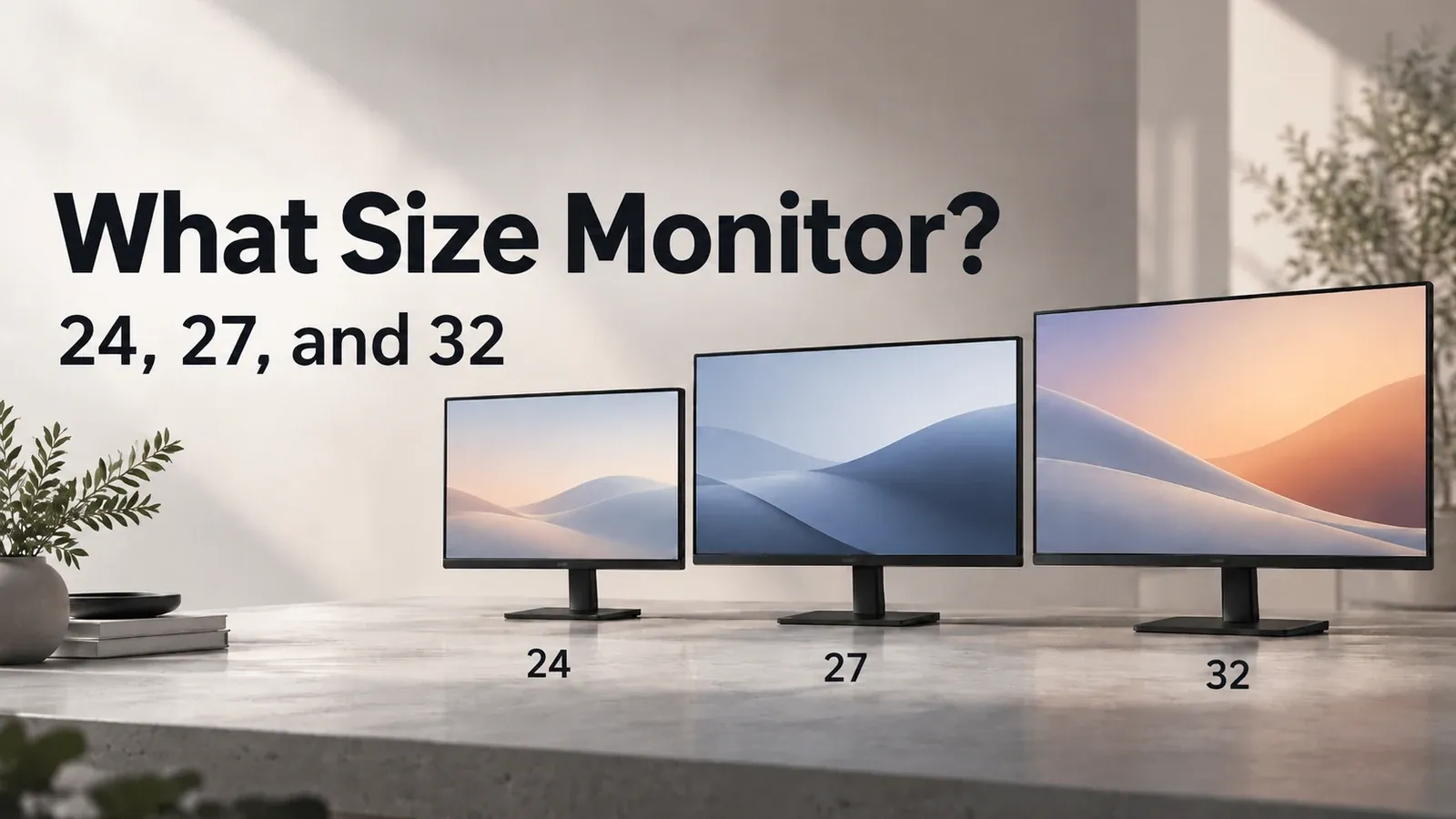
For screen size and distance, see What size monitor should I get?.
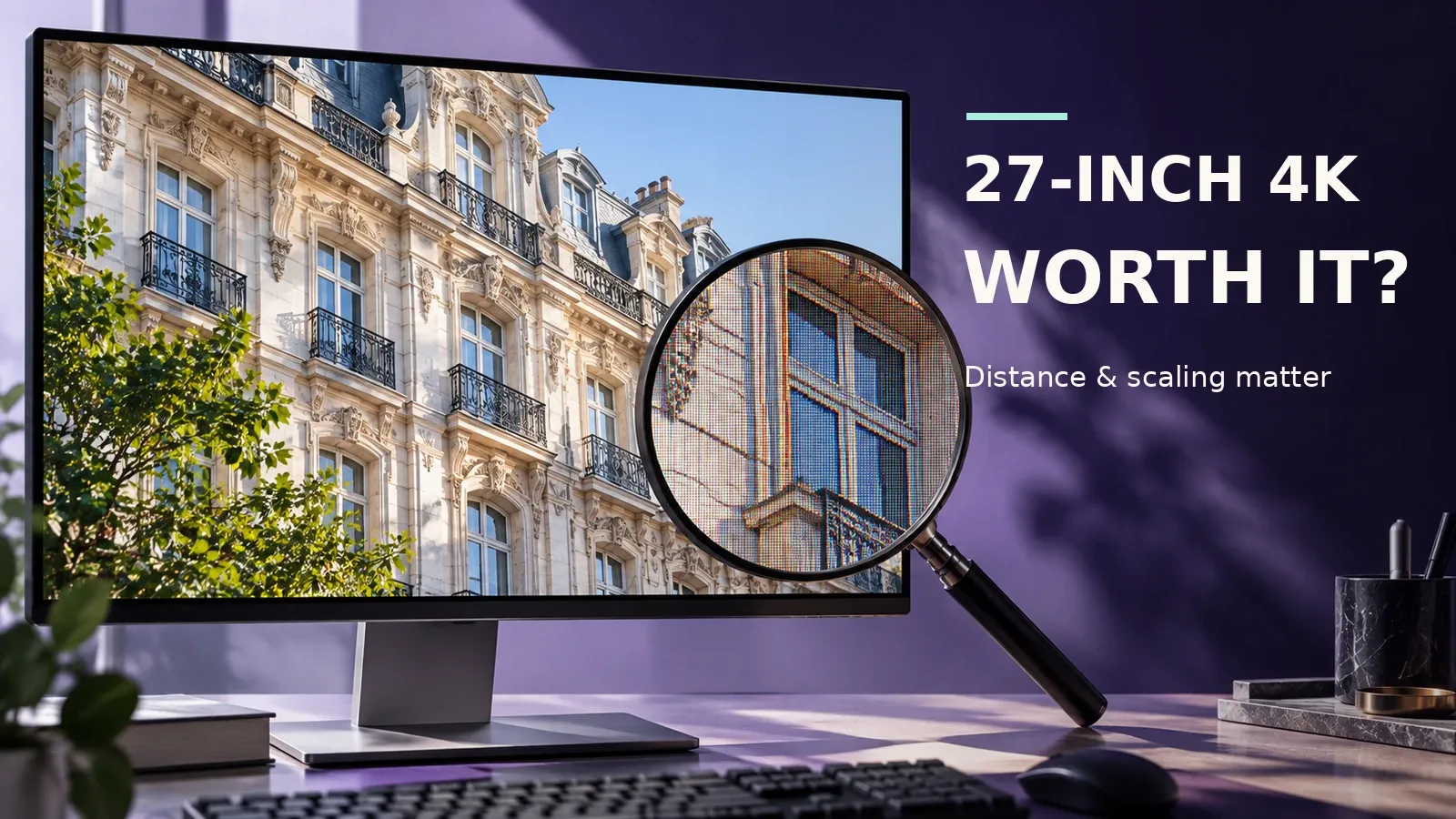
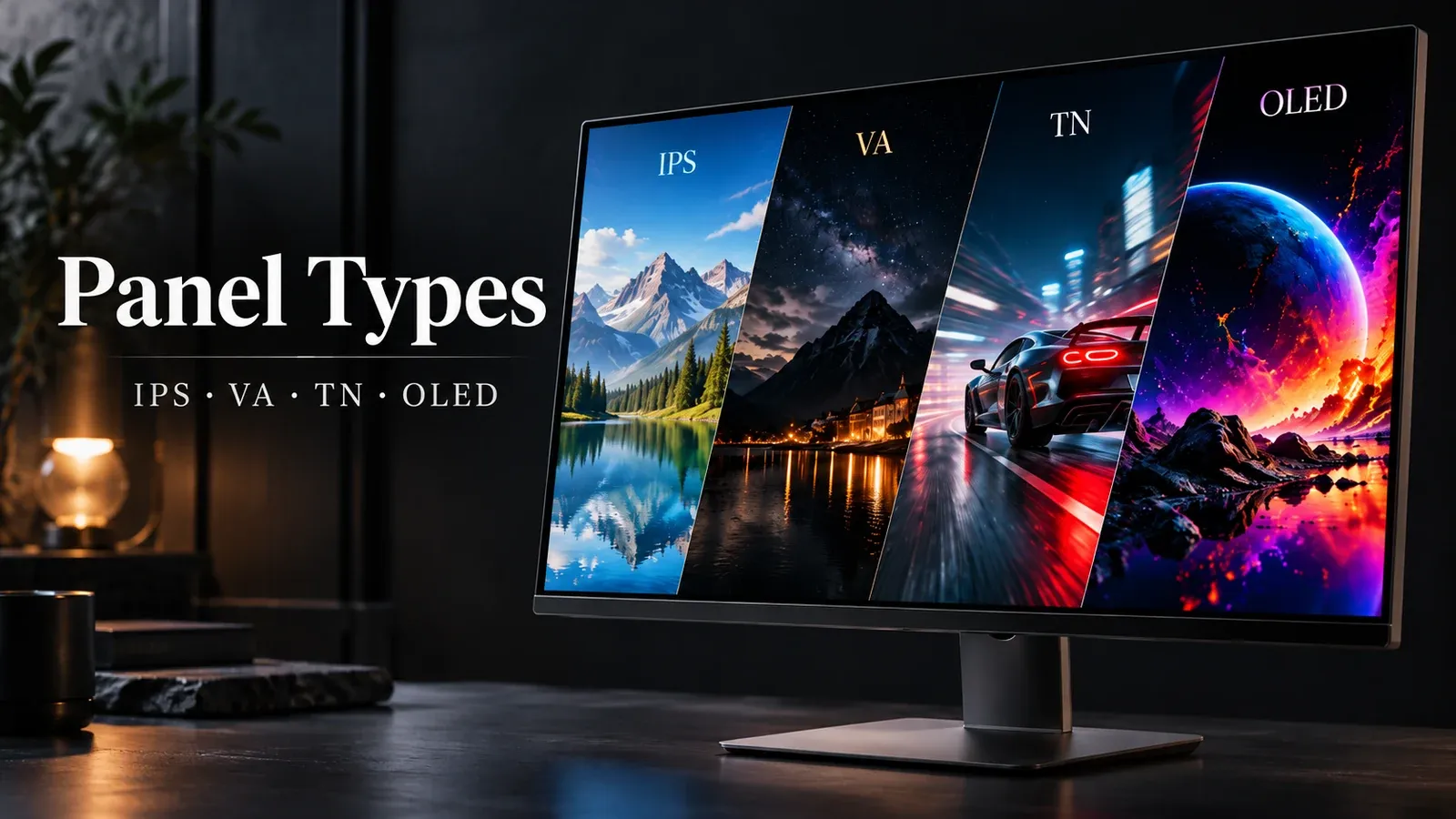
For 4K scaling, see the 4K monitor guide. Panel types are covered in the monitor panel guide.
How wide sRGB, Adobe RGB and DCI-P3 are
Each standard can show a different range of colors. Worked out from each standard’s primary coordinates, Adobe RGB covers 1.35× the area of sRGB, and DCI-P3 1.36×.
- sRGB: the standard default on Windows and most websites
- Adobe RGB: wider in green, and made for print
- DCI-P3: the digital cinema standard, rich in red and green
Both Adobe RGB and DCI-P3 contain every sRGB color. If you only post online, a wide gamut is not required.
A screen that only covers sRGB holds 74.1% of Adobe RGB’s colors and 73.7% of DCI-P3’s. If you also print or make cinema video, a wide-gamut screen helps.
An sRGB figure and a DCI-P3 figure are measured against different standards, so you cannot compare them directly. A high DCI-P3 number does not guarantee full sRGB coverage. If you post online too, check the sRGB figure on the spec sheet.
Telling coverage from ratio
Coverage is the share of a standard’s colors that the screen can show. Ratio compares the area of the screen’s gamut with the standard’s.
Worked out from each standard’s primary coordinates, DCI-P3 is 100.5% the size of Adobe RGB, yet it holds only 88.2% of Adobe RGB’s colors. A ratio over 100% does not mean 100% coverage.
On a spec sheet, check whether the figure says “coverage” or “ratio”. A figure that doesn’t say coverage or ratio can’t be compared for coverage.
FAQ
What should I look at when choosing a monitor for digital art?
Look at the color gamut first. By this guide’s rule, choose sRGB 99%+ for posting online, Adobe RGB 99%+ for print, and DCI-P3 90%+ for cinema video.
Then pick size and resolution.
Do I need an Adobe RGB monitor for illustration?
Not if you never print. Worked out from each standard’s primary coordinates, both Adobe RGB and DCI-P3 contain every sRGB color.
For posting online only, an sRGB monitor is enough.
What is the difference between gamut coverage and gamut ratio?
Coverage is how much of a standard’s colors the screen can show. Ratio compares the sizes of the two color areas.
Worked out from each standard’s primary coordinates, DCI-P3 is 100.5% the size of Adobe RGB, yet it holds only 88.2% of Adobe RGB’s colors. A ratio over 100% does not mean 100% coverage.
Which gamut is best for printing?
By this guide’s rule, choose Adobe RGB 99%+. On the standards’ primaries, sRGB holds 74.1% of Adobe RGB’s colors.
Is a 27-inch monitor too big for drawing?
In this calculation, a 27-inch looks no wider than a 24-inch does at 50 cm once you sit 56.62 cm or more from the screen. Right at that distance it is borderline.
1440p or 4K for a drawing monitor?
Between 27-inch screens, 27-inch 1440p keeps text larger than 27-inch 4K at the same scaling. Choose 4K if you will run it at 150% scaling for a finer picture.
Against a 24-inch 1080p screen at the same scaling, a 27-inch 1440p screen shows text at 0.85× the size and a 4K one at 0.57×. In this calculation, a 27-inch 4K screen at 150% scaling shows text the same size as a 27-inch 1440p screen at 100%.
Data and formulas used (for verification)
How this was checked: Candidates come from the makers’ official specs as of October 2026. None were tested in person. Gamut sizes are worked out from each standard’s primary coordinates. Monitor gamuts use the official figures as listed.
Sources: OSHA (preferred viewing distance) / BenQ (coverage and ratio) / BenQ (Adobe RGB and DCI-P3 uses) / W3C sRGB
Method
- Gamut: each standard is the triangle joining its red, green and blue primaries on the CIE 1931 xy chart (sRGB from W3C, Adobe RGB from Adobe’s spec, DCI-P3 from the ICC registry). Areas use the shoelace formula.
- Ratio = area(A) ÷ area(B). Coverage = area where A and B overlap ÷ area(B) (overlap by convex polygon clipping). Example: DCI-P3 is 100.5% of Adobe RGB by ratio but covers 88.2% of it. Percentages are rounded down to one decimal; multiples are rounded to two decimals.
- The math compares the standards’ triangles. Models’ actual primaries aren’t published, so model gamuts are not calculated; each maker’s official figure is used as is.
- Where art goes → standard: online is sRGB, print is Adobe RGB, cinema video is DCI-P3 (per maker and standards-body docs). The minimums (sRGB 99%, Adobe RGB 99%, DCI-P3 90%) are this guide’s rule.
- 27-inch target distance = 50 cm × 27-inch 1440p/4K viewable width (59.674 cm) ÷ 23.8-inch viewable width (52.704 cm): the same angle as a 24-inch at OSHA’s lower end, 50 cm. Rounded up to two decimals (56.62 cm (22.3 in)). This is this guide’s own figure, not an official standard.
- Text size ratio = pixel pitch ÷ the 23.8-inch 1080p pitch (0.2745 mm). 27-inch 4K (0.1554 mm) × 1.5 = 27-inch 1440p (0.2331 mm), so 4K at 150% shows text the same size as 1440p at 100%.
- Specs are makers’ official figures (check dates in each fact). No units were tested. Picks: new on Amazon, 100+ ratings, 4+ stars, no Sakura Checker warning, not an import, cheapest with shipping.
Official values used
| Item | Value | Source | Checked |
|---|---|---|---|
| sRGB red primary chromaticity x | 0.64 CIE 1931 x | w3.org | 2026-10-08 |
| sRGB red primary chromaticity y | 0.33 CIE 1931 y | w3.org | 2026-10-08 |
| sRGB green primary chromaticity x | 0.3 CIE 1931 x | w3.org | 2026-10-08 |
| sRGB green primary chromaticity y | 0.6 CIE 1931 y | w3.org | 2026-10-08 |
| sRGB blue primary chromaticity x | 0.15 CIE 1931 x | w3.org | 2026-10-08 |
| sRGB blue primary chromaticity y | 0.06 CIE 1931 y | w3.org | 2026-10-08 |
| Adobe RGB (1998) red primary chromaticity x | 0.64 CIE 1931 x | adobe.com | 2026-10-08 |
| Adobe RGB (1998) red primary chromaticity y | 0.33 CIE 1931 y | adobe.com | 2026-10-08 |
| Adobe RGB (1998) green primary chromaticity x | 0.21 CIE 1931 x | adobe.com | 2026-10-08 |
| Adobe RGB (1998) green primary chromaticity y | 0.71 CIE 1931 y | adobe.com | 2026-10-08 |
| Adobe RGB (1998) blue primary chromaticity x | 0.15 CIE 1931 x | adobe.com | 2026-10-08 |
| Adobe RGB (1998) blue primary chromaticity y | 0.06 CIE 1931 y | adobe.com | 2026-10-08 |
| DCI-P3 red primary chromaticity x | 0.68 CIE 1931 x | registry.color.org | 2026-10-08 |
| DCI-P3 red primary chromaticity y | 0.32 CIE 1931 y | registry.color.org | 2026-10-08 |
| DCI-P3 green primary chromaticity x | 0.265 CIE 1931 x | registry.color.org | 2026-10-08 |
| DCI-P3 green primary chromaticity y | 0.69 CIE 1931 y | registry.color.org | 2026-10-08 |
| DCI-P3 blue primary chromaticity x | 0.15 CIE 1931 x | registry.color.org | 2026-10-08 |
| DCI-P3 blue primary chromaticity y | 0.06 CIE 1931 y | registry.color.org | 2026-10-08 |
| D65 white point chromaticity x | 0.3127 CIE 1931 x | w3.org | 2026-10-08 |
| D65 white point chromaticity y | 0.329 CIE 1931 y | w3.org | 2026-10-08 |
| DCI white point chromaticity x (theatrical DCI-P3) | 0.314 CIE 1931 x | registry.color.org | 2026-10-08 |
| DCI white point chromaticity y (theatrical DCI-P3) | 0.351 CIE 1931 y | registry.color.org | 2026-10-08 |
| Meaning of coverage (maker docs) | (stated in a Japanese-language source) | eizo.co.jp | 2026-10-08 |
| Meaning of area ratio (maker docs) | (stated in a Japanese-language source) | eizo.co.jp | 2026-10-08 |
| Adobe RGB characteristic (EIZO) | (stated in a Japanese-language source) | eizo.co.jp | 2026-10-08 |
| Adobe RGB vs DCI-P3 uses (BenQ) | (stated in a Japanese-language source) | benq.com BenQ: DCI-P3 optimized for digital cinema and screen viewing; Adobe RGB focuses | 2026-10-08 |
| Adobe RGB definition (Adobe spec) | (stated in a Japanese-language source) | adobe.com | 2026-10-08 |
| Role of sRGB | (stated in a Japanese-language source) | eizo.co.jp | 2026-10-08 |
| DCI-P3 definition | (stated in a Japanese-language source) | eizo.co.jp | 2026-10-08 |
| Meaning of ΔE (EIZO) | (stated in a Japanese-language source) | eizo.co.jp | 2026-10-08 |
| ΔE guideline (BenQ) | (stated in a Japanese-language source) | benq.com BenQ knowledge center: Delta E ≤2 excellent (AQCOLOR), ≤3 professional, 3 differ | 2026-10-08 |
| Lower end of OSHA’s preferred range | 50 cm | osha.gov preferred viewing distance is between 20 and 40 inches (50 and 100 cm) from the | 2026-10-08 |
| Upper end of OSHA’s preferred range | 100 cm | osha.gov same sentence (20–40 in, 50–100 cm) | 2026-10-08 |
| MHLW minimum eye-to-screen distance | 40 cm | mhlw.go.jp | 2026-10-08 |
| 27-inch QHD/4K viewable width | 59.674 cm | dl.dell.com S2725DS Active Area Horizontal 596.74 mm p.16 | 2026-10-08 |
| 27-inch 1440p pixel pitch | 0.2331 mm | dl.dell.com S2725DS Pixel pitch 0.2331 mm p.16 | 2026-10-08 |
| 27-inch 4K pixel pitch | 0.1554 mm | dl.dell.com S2725QS Pixel pitch 0.1554 mm Table 7 | 2026-10-08 |
| 23.8-inch viewable width | 52.704 cm | dl.dell.com S2425H Active Area Horizontal 527.04 mm p.16 | 2026-10-07 |
| 23.8-inch 1080p pixel pitch | 0.2745 mm | dl.dell.com S2425H Pixel pitch 0.2745 mm p.16 | 2026-10-07 |
| ASUS ProArt PA279CRV official sRGB figure | 100 % | asus.com | 2026-10-08 |
| ASUS ProArt PA279CRV official Adobe RGB figure | 99 % | asus.com | 2026-10-08 |
| ASUS ProArt PA279CRV official DCI-P3 (P3) figure | 99 % | asus.com | 2026-10-08 |
| BenQ SW272Q official sRGB figure | 100 % | benq.com | 2026-10-08 |
| BenQ SW272Q official Adobe RGB figure | 99 % | benq.com | 2026-10-08 |
| BenQ SW272Q official DCI-P3 (P3) figure | 98 % | benq.com | 2026-10-08 |
| BenQ SW272U official sRGB figure | 100 % | benq.com | 2026-10-08 |
| BenQ SW272U official Adobe RGB figure | 99 % | benq.com | 2026-10-08 |
| BenQ SW272U official DCI-P3 (P3) figure | 99 % | benq.com | 2026-10-08 |
| BenQ SW242Q official sRGB figure | 100 % | benq.com | 2026-10-08 |
| BenQ SW242Q official Adobe RGB figure | 99 % | benq.com | 2026-10-08 |
| BenQ SW242Q official DCI-P3 (P3) figure | 98 % | benq.com | 2026-10-08 |
| EIZO ColorEdge CG2700S official Adobe RGB figure | 99 % | eizo.co.jp | 2026-10-08 |
| EIZO ColorEdge CG2700S official DCI-P3 (P3) figure | 98 % | eizo.co.jp | 2026-10-08 |
| Dell U2723QE official sRGB figure | 100 % | dell.com | 2026-10-08 |
| Dell U2723QE official DCI-P3 (P3) figure | 98 % | dell.com | 2026-10-08 |
| LG 27UP850-W official DCI-P3 (P3) figure | 95 % | lg.com | 2026-10-08 |
| LG 27U711B-B official DCI-P3 (P3) figure | 90 % | lg.com | 2026-10-08 |
| Dell S2725DSM official sRGB figure | 99 % | dell.com | 2026-10-08 |
| BenQ PD2732U official sRGB figure | 100 % | benq.com | 2026-10-08 |
| BenQ PD2732U official Adobe RGB figure | 99 % | benq.com | 2026-10-08 |
| BenQ PD2732U official DCI-P3 (P3) figure | 99 % | benq.com | 2026-10-08 |
| ASUS ProArt PA278QV official sRGB figure | 100 % | asus.com | 2026-10-08 |
| BenQ EX271Q official DCI-P3 (P3) figure | 95 % | benq.com | 2026-10-16 |
| BenQ PD2706QN official sRGB figure | 100 % | benq.com | 2026-10-16 |
| BenQ PD2706QN official DCI-P3 (P3) figure | 95 % | benq.com | 2026-10-16 |
| LG 27GR83Q-B official DCI-P3 (P3) figure | 95 % | lg.com | 2026-10-16 |
Which gamut and size fit your art: quick reference
The calculator in this article shows the result for your own settings. Settings can be set in the URL; each link below opens the calculator with those settings.
| Settings | Result | Calculator |
|---|---|---|
| Web and social, 1440p, 50 cm (20 in) | △ sRGB 99%+; a bit close. Standard to match: sRGB (models listing 99% or more). Adobe RGB and DCI-P3 screens also contain every sRGB color. 27-inch target distance: 56.62 cm. Your distance is 6.62 cm closer than the 27-inch target. A 24-inch class screen meets it | Open with these settings |
| Web and social, 1440p, 60 cm (24 in) | ✓ sRGB 99%+. Standard to match: sRGB (models listing 99% or more). Adobe RGB and DCI-P3 screens also contain every sRGB color. 27-inch target distance: 56.62 cm. Your distance meets the target (3.38 cm to spare) | Open with these settings |
| Web and social, 4K, 50 cm (20 in) | △ sRGB 99%+; a bit close. Standard to match: sRGB (models listing 99% or more). Adobe RGB and DCI-P3 screens also contain every sRGB color. 27-inch target distance: 56.62 cm. At 150% scaling, 4K shows text the same size as 1440p at 100%. Your distance is 6.62 cm closer than the 27-inch target. A 24-inch class screen meets it | Open with these settings |
| Web and social, 4K, 60 cm (24 in) | ✓ sRGB 99%+. Standard to match: sRGB (models listing 99% or more). Adobe RGB and DCI-P3 screens also contain every sRGB color. 27-inch target distance: 56.62 cm. At 150% scaling, 4K shows text the same size as 1440p at 100%. Your distance meets the target (3.38 cm to spare) | Open with these settings |
| Print, 1440p, 50 cm (20 in) | △ Adobe RGB 99%+; a bit close. Standard to match: Adobe RGB (models listing 99% or more). A screen that only covers sRGB holds 74.1% of Adobe RGB’s colors. 27-inch target distance: 56.62 cm. Your distance is 6.62 cm closer than the 27-inch target. A 24-inch class screen meets it | Open with these settings |
| Print, 1440p, 60 cm (24 in) | ✓ Adobe RGB 99%+. Standard to match: Adobe RGB (models listing 99% or more). A screen that only covers sRGB holds 74.1% of Adobe RGB’s colors. 27-inch target distance: 56.62 cm. Your distance meets the target (3.38 cm to spare) | Open with these settings |
| Print, 4K, 50 cm (20 in) | △ Adobe RGB 99%+; a bit close. Standard to match: Adobe RGB (models listing 99% or more). A screen that only covers sRGB holds 74.1% of Adobe RGB’s colors. 27-inch target distance: 56.62 cm. At 150% scaling, 4K shows text the same size as 1440p at 100%. Your distance is 6.62 cm closer than the 27-inch target. A 24-inch class screen meets it | Open with these settings |
| Print, 4K, 60 cm (24 in) | ✓ Adobe RGB 99%+. Standard to match: Adobe RGB (models listing 99% or more). A screen that only covers sRGB holds 74.1% of Adobe RGB’s colors. 27-inch target distance: 56.62 cm. At 150% scaling, 4K shows text the same size as 1440p at 100%. Your distance meets the target (3.38 cm to spare) | Open with these settings |
| Cinema video, 1440p, 50 cm (20 in) | △ DCI-P3 90%+; a bit close. Standard to match: DCI-P3 (models listing 90% or more). A screen that only covers sRGB holds 73.7% of DCI-P3’s colors. 27-inch target distance: 56.62 cm. Your distance is 6.62 cm closer than the 27-inch target. A 24-inch class screen meets it | Open with these settings |
| Cinema video, 1440p, 60 cm (24 in) | ✓ DCI-P3 90%+. Standard to match: DCI-P3 (models listing 90% or more). A screen that only covers sRGB holds 73.7% of DCI-P3’s colors. 27-inch target distance: 56.62 cm. Your distance meets the target (3.38 cm to spare) | Open with these settings |
| Cinema video, 4K, 50 cm (20 in) | △ DCI-P3 90%+; a bit close. Standard to match: DCI-P3 (models listing 90% or more). A screen that only covers sRGB holds 73.7% of DCI-P3’s colors. 27-inch target distance: 56.62 cm. At 150% scaling, 4K shows text the same size as 1440p at 100%. Your distance is 6.62 cm closer than the 27-inch target. A 24-inch class screen meets it | Open with these settings |
| Cinema video, 4K, 60 cm (24 in) | ✓ DCI-P3 90%+. Standard to match: DCI-P3 (models listing 90% or more). A screen that only covers sRGB holds 73.7% of DCI-P3’s colors. 27-inch target distance: 56.62 cm. At 150% scaling, 4K shows text the same size as 1440p at 100%. Your distance meets the target (3.38 cm to spare) | Open with these settings |