Contents15
- How thick a tag can be in a passport case pocket
- Picking a network, and sharing with family
- How many people can share a tracker?
- Picks by condition
- Location updates, volume and water resistance
- Does the location update when the case is far away or abroad?
- Can I hear it inside a bag?
- Can it handle rain or sweat?
- Battery life and charging on a trip
- Battery rules for carry-on and checked bags
- FAQ
- Does an AirTag fit in a passport case?
- Will a rechargeable card tracker die in the middle of a trip?
- Can the tracker show where a lost passport case is?
- Can a card tracker keep working after a switch from iPhone to Android?
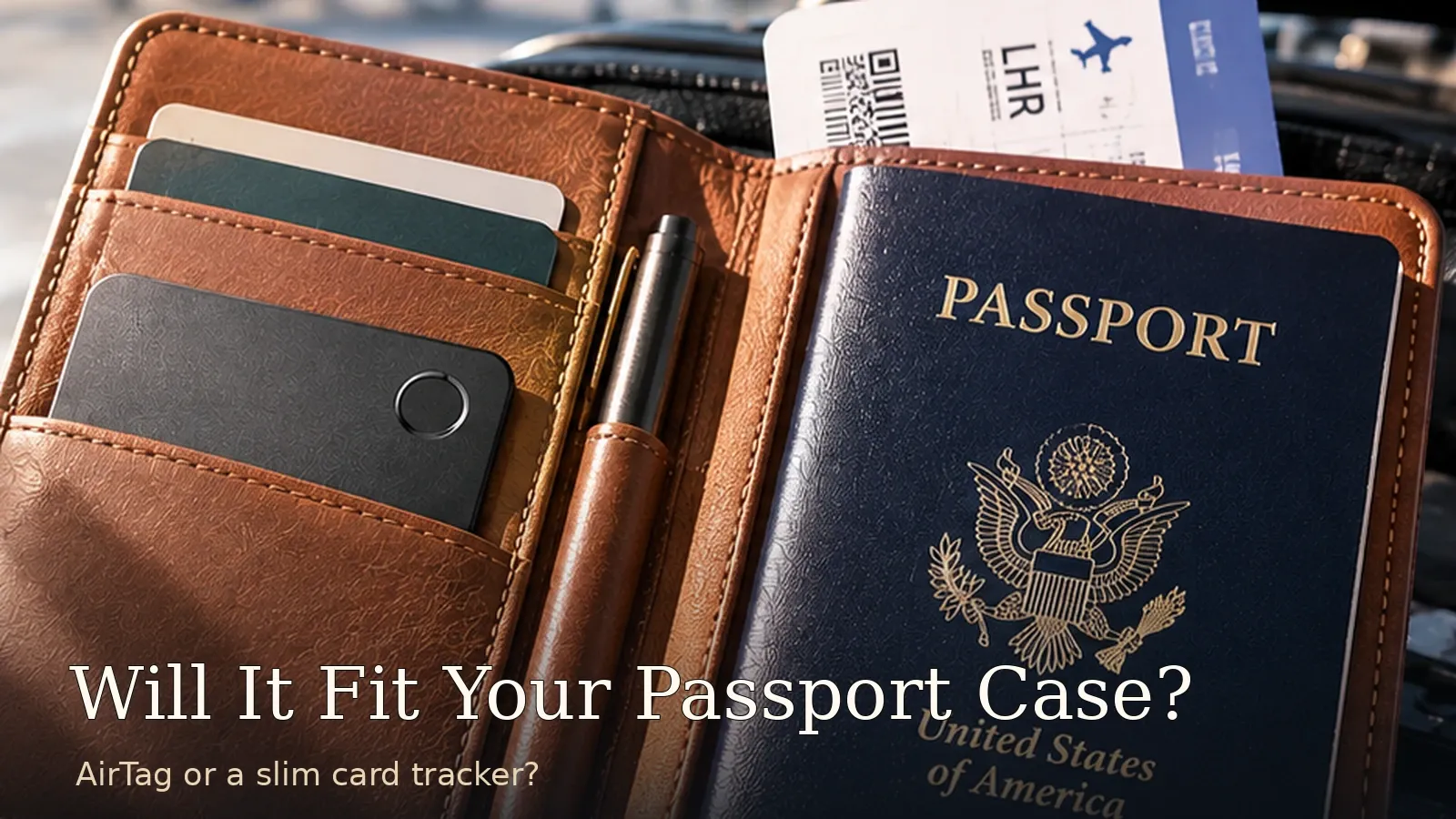
In a passport case card pocket, assume 3-4mm of extra room on top of your usual cards. The 8.0mm AirTag exceeds that, so it fits poorly. The card-type trackers compared (1.74-2.6mm) fit, but the thickest is only 0.4mm under the 3mm minimum, and no official pocket size was found, so test your own case.
The comparison uses each maker’s official specs as of October 2026. Nothing was tested on real devices.
How thick a tag can be in a passport case pocket
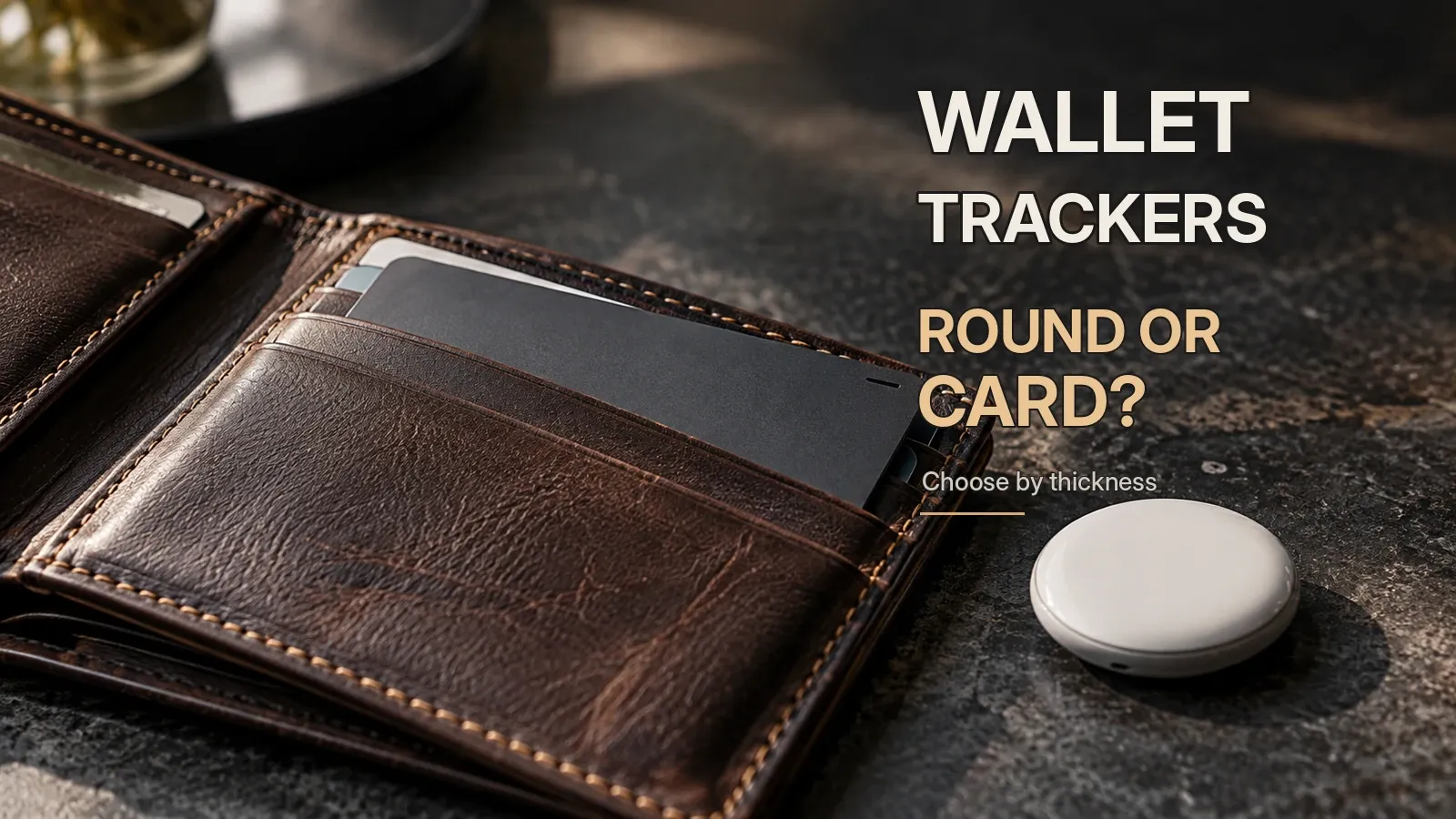
The card-type trackers compared are 1.74-2.6mm thick, against 8.0mm for the AirTag.
This guide assumes 3-4mm of room in a passport case card pocket. The table uses the makers’ official spec values, and nothing was tried in a real case.
| Type | Thickness | Battery | Network |
|---|---|---|---|
| Round (AirTag) | 8.0mm | You replace it | Find My |
| Card (US models compared) | 1.74-2.6mm | You can’t replace it | Find My, Find Hub, or a maker’s own network |
Will a card tracker last my trip?
Enter your phone, trip length and charge at departure. It uses the guide's formula (rated battery life x charge) to show whether the battery outlasts the trip, with a matching card pick.
For these settings
For these settings
To test your own case, use the cards you normally carry and follow these steps.
- Stack cardboard cut to card size, about 85 x 54mm, or 3.35 x 2.13in, to the tracker’s thickness.
- Slide it into the case’s card pocket and check that it fits side to side and top to bottom.
- Close the passport in the case, then pull the pocket in and out to see whether anything catches.
The goal is a case that still closes without strain. If you’re unsure, test with 2.6mm of cardboard, the thickest card.
On the official Apple, Google and maker pages, the four cards compared list sizes of about 85 x 54mm. No official inner size exists for a passport case pocket, so test with a card in your own case.
Keeping the tracker in the case’s pocket rather than stuck on or clipped to the passport is this guide’s own framing. No official statement on attaching a tracker to a passport turned up in the sources checked.
Picking a network, and sharing with family
By this guide’s reading, an iPhone user who wants a card for the passport case needs one that works with Apple’s Find My. Of the cards compared, eufy’s works with Find My only. Pebblebee’s and Chipolo’s use Find My or Find Hub, one at a time.
Find My is Apple’s network for finding devices, and Find Hub is Google’s. A tracker on a maker’s own network, such as Tile’s, joins neither.
Pebblebee’s and Chipolo’s cards use Find My or Find Hub one at a time, not both at once. Pebblebee’s pages describe the switch as a factory reset and re-pairing in the other app. Other makers’ steps weren’t confirmed.
How many people can share a tracker?
Find My item sharing doesn’t work with a child account.
On the official Apple, Google and maker pages, Find My lets you share with up to five others on iOS 17 or later. Find Hub lets you share with up to 10 people on Android 9 or later.
A card that supports both networks follows the sharing rules of whichever network it’s set to.
Picks by condition
On Amazon.com listings as of October 2026, the iPhone pick is eufy SmartTrack Card (E30) and the Android pick is Chipolo CARD.
Picks are products compared here with 100+ ratings and 4.0+ stars, sold new by Amazon or the brand’s own seller. The Android pick’s ratings are shared with a bundle listing. The lowest price wins, and prices change.
- Card for iPhone: eufy SmartTrack Card (E30). A 2.6mm card for Find My only, so it doesn’t work with Android. It is rechargeable for up to about a year per charge, and lists 80dB and a water-resistant rating without an IP number. It is 0.4mm under the assumed 3mm minimum, and the cheapest Find My card that meets the picking rules.
Sold by Anker EufyHome. Whether the rating count is shared with other models on the listing wasn’t checked.
- Card for Android: Chipolo CARD. A 2.5mm card that works with Find My or Find Hub, one at a time. It is rechargeable on a wireless charger (not included) for up to about a year per charge, and lists about 110dB and IP67. Pebblebee Card, the only other Find Hub card, falls short on stars.
Sold by Chipolo. The rating count is shared with other models on the same listing.
Location updates, volume and water resistance
Does the location update when the case is far away or abroad?
Updates aren’t guaranteed. Whether a tag updates with no compatible device nearby wasn’t found in the Apple and Google pages compared.
On the official Apple, Google and maker pages, a tag far from you updates its location when a compatible device nearby spots it. With Apple’s Find My, a nearby Apple device spots the tag over Bluetooth and sends its location anonymously. With Google’s Find Hub, a nearby Android device sends the location it saw, and a setting for busy places waits until several Android devices have spotted the tag.
Abroad, as at home, the location updates when a compatible device nearby spots the tag. Apple says Find My may not be available in all countries or regions, and Find Hub’s availability by country wasn’t confirmed in the pages checked. Check Apple’s and Google’s regional pages for your destination.
Can I hear it inside a bag?
Whether you’ll hear it inside a bag wasn’t tested. Only Chipolo’s card, at about 110dB, and eufy’s, at 80dB, list a volume in dB. No dB figure turned up for Pebblebee’s or Tile’s card, or for the AirTag, in the sources checked.
Can it handle rain or sweat?
AirTag and Chipolo’s card are rated IP67. Pebblebee’s is IP66 and Tile’s IP68. eufy’s is listed as water-resistant without an IP number.
An IP rating is a code for dust and water resistance. The AirTag’s IP67, for example, is the rating for water up to 1m deep for up to 30 minutes. The conditions behind other ratings weren’t confirmed in the sources checked.
Battery life and charging on a trip
Assuming a 7-30 day trip and 50-100% charge at departure, the rechargeable cards compared are rated to outlast the trip. Even half of the shortest rating works out to about 182 days. The ratings are “up to” or “about” figures, not guarantees.
Of the rechargeable cards compared, only eufy’s comes with a charging adapter. The others charge wirelessly, with the charger not included.
On the official Apple, Google and maker pages, no card tracker compared has a battery you can replace. Pebblebee’s, Chipolo’s and eufy’s cards are rechargeable, and Tile’s is sealed. The AirTag takes a CR2032 you can swap yourself.
Battery rules for carry-on and checked bags
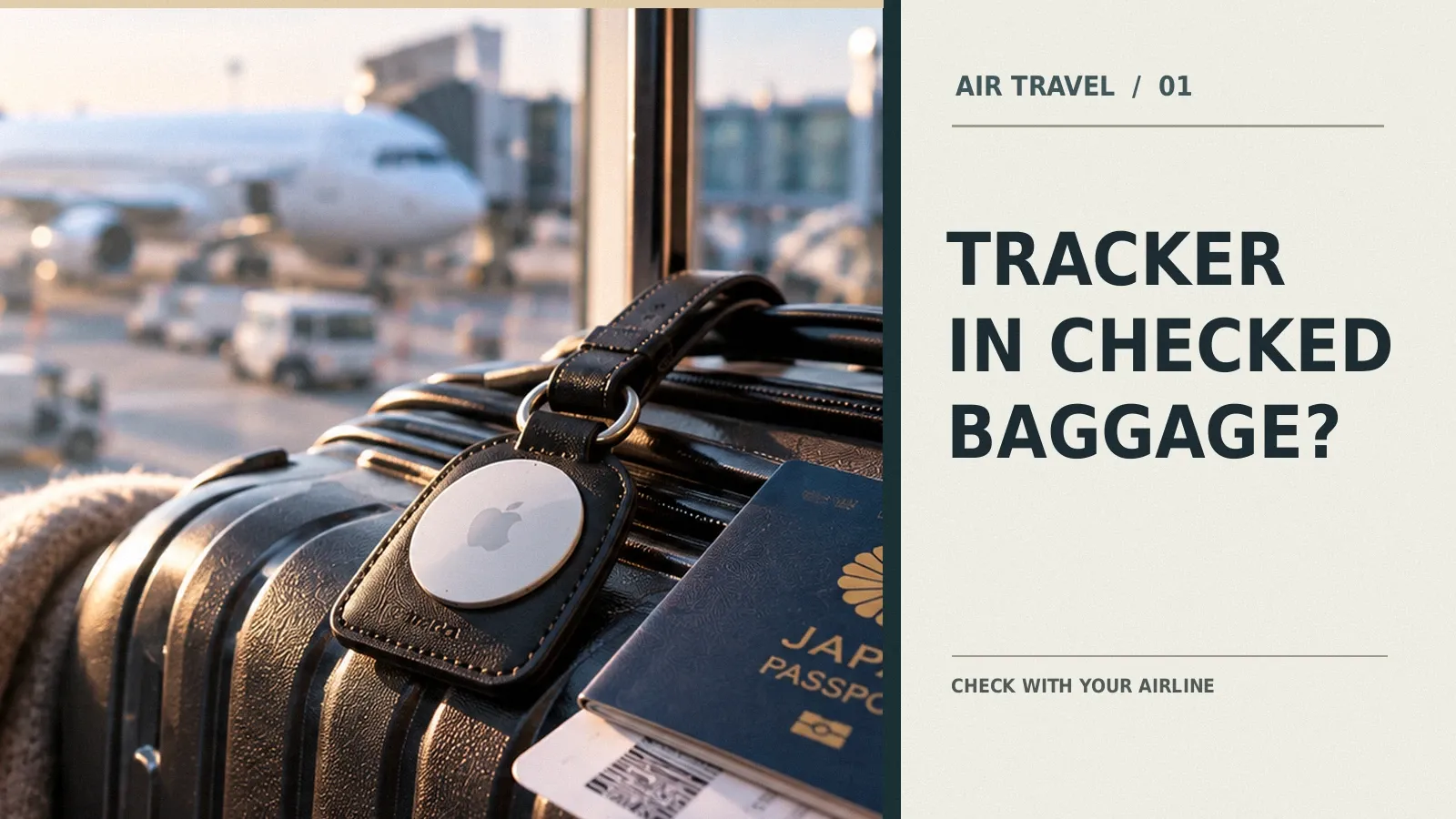
This guide assumes the passport case stays in your carry-on bag. It doesn’t assume the passport goes in checked baggage.
On the FAA’s PackSafe pages, baggage with lithium batteries may be checked only if lithium metal batteries hold 0.3g of lithium or less, or lithium-ion batteries 2.7Wh or less. For baggage location tracking devices, the FAA says to check with the airline and to meet those size limits. It adds that rules may vary on international flights.
The specs of the cards compared give no lithium or Wh figure, so whether a card is under those limits can’t be stated. Applying the limits to a card is this guide’s reading, not an official statement.
The FAA says spare lithium ion and lithium metal batteries go in carry-on baggage only. By this guide’s reading, a spare CR2032 for an AirTag is a lithium metal battery, so it would go in carry-on too. No airline’s own rules were checked.
FAQ
Does an AirTag fit in a passport case?
The AirTag exceeds the assumed 3-4mm of card pocket room, so it fits poorly. Other compartments weren’t checked, so test your own case.
The card-type trackers compared (1.74-2.6mm) fit, but the thickest is only 0.4mm under the 3mm minimum.
Will a rechargeable card tracker die in the middle of a trip?
Assuming a 7-30 day trip and 50-100% charge at departure, the rechargeable cards compared are rated to last longer than the trip. The ratings are “up to” or “about” figures, not guarantees.
Can the tracker show where a lost passport case is?
The location updates when a compatible device nearby spots the tag, and updates aren’t guaranteed. Apple says Find My may not be available in all countries or regions, so check Apple’s and Google’s regional pages before a trip.
Can a card tracker keep working after a switch from iPhone to Android?
A card that supports both networks can switch, but it uses one at a time. Only one maker’s switching steps were confirmed: a factory reset, then re-pairing in the other app.
A Find My-only card doesn’t work on Android.
Data and formulas used (for verification)
Related guides:
How this was checked: Thickness, battery, volume and water resistance come from each maker’s official spec pages. Tile’s page text could not be retrieved, so its specs rest on a search-result summary. Tile’s update rule comes from Life360’s support article, and the baggage rules from the FAA’s PackSafe pages. Listings were read on Amazon.com with a New York 10001 delivery address. Formulas and sources are in the data section at the end.
Method
- Covers each maker’s official spec pages and Amazon.com listings as of 2026-10-17. Nothing was tested on real devices.
- Thickness compares official specs (Apple for AirTag, each maker’s product page for the cards). No official inner size for a passport case’s card pocket and no official passport thickness was found, so the article assumes 3-4mm of room. No official thickness for a single credit card was taken, so the article never says how many cards a tracker equals. Passport dimensions (such as ICAO 9303) were not sourced and are not used in any calculation.
- Card-type models compared for the US: Pebblebee Card (Card 5, 1.74mm as sold in the US), Chipolo CARD, Tile Slim and eufy SmartTrack Card (E30). Thicknesses are the makers’ stated values, and the Amazon.com listings were not matched to model numbers.
- Picks per slot: 100 or more ratings, 4.0 stars or higher, sold new by Amazon or the brand’s own seller, then the lowest price. Listings were read with a New York 10001 delivery address. Pebblebee Card (3.9 stars) falls short. Tile Slim has no slot because it joins neither Find My nor Find Hub.
- Thickness, battery, volume and water resistance of the models compared, with sources (US pages; where a page gives no figure, none is claimed).
- AirTag (2nd generation): 8.0mm thick, battery CR2032 you replace yourself, over a year (Apple sales page), volume no dB figure found, water resistance IP67 (water up to 1m for up to 30 minutes). Sources: https://support.apple.com/en-us/126203 ; https://www.apple.com/airtag/ ; https://support.apple.com/en-us/111847
- Pebblebee Card (Card 5): 1.74mm thick, battery rechargeable (wireless, charger not included), up to about 18 months per charge, volume no dB figure found, water resistance IP66. Sources: https://pebblebee.com/products/pebblebee-card ; https://help.pebblebee.com/en-US/understanding-the-new-card-5-3153386
- Chipolo CARD: 2.5mm thick, battery rechargeable (Qi wireless, charger not included), up to about a year per charge, volume about 110dB, water resistance IP67. Sources: https://chipolo.net/en/products/chipolo-card
- Tile Slim: 2.5mm thick, battery sealed battery you can’t replace, up to about 3 years, volume no dB figure found, water resistance IP68 (IP67 on the older 2022 model). Sources: https://www.tile.com/en-eu/products/tile-slim
- eufy SmartTrack Card (E30): 2.6mm thick, battery rechargeable (magnetic USB-C adapter included), up to about a year per charge, volume 80dB, water resistance water-resistant, no IP number found. Sources: https://www.eufy.com/products/t87b1011
- Ratio formula (AirTag / thickest card, AirTag / thinnest card): 8.0 / 2.6 = about 3.1, 8.0 / 1.74 = about 4.6. Margin formula (assumed lower bound minus thickest card): 3.0 - 2.6 = 0.4mm, in mm.
- Switching between Find My and Find Hub: the factory reset and re-pairing steps were confirmed only for Pebblebee (https://help.pebblebee.com/en-US/choose-apple-find-my-google-find-hub-pebblebee-2496017). Chipolo’s page says only one network works at a time; its switching steps were not confirmed.
- Find My item sharing requires two-factor authentication, iCloud and iCloud Keychain on every account, and iOS 17, iPadOS 17 or macOS 14 or later.
- The iPhones for AirTag precise finding come from Apple’s pages (https://support.apple.com/en-us/111847 for the original AirTag, https://support.apple.com/en-us/126203 for the 2nd generation). The iPhones for standard precise finding with the 2nd-generation AirTag were not confirmed.
- How a far-away tag’s location updates comes from Apple (https://support.apple.com/guide/security/sec6cbc80fd0/web) and Google (https://support.google.com/product-documentation/answer/14796936). What happens when no compatible device is nearby is not stated, and Tile’s own network rule comes from Life360’s support article (https://support.life360.com/hc/en-us/articles/30583038024855-Tile-Network).
- Unknown-tracker alerts are from Apple’s https://support.apple.com/en-us/119874 and Google’s https://support.google.com/android/answer/13658562, checked 2026-10-17.
- Trip assumptions: a 7-30 day trip and 50-100% charge at departure (neither is an official figure). Rated battery life is converted to days (1 year = 365 days, 1 month = 30 days), and every combination was checked for life x charge exceeding the trip. The ratings are ‘up to’ or ‘about’ figures, not guarantees.
- Checked and carry-on baggage: the FAA’s PackSafe pages (https://www.faa.gov/hazmat/packsafe/baggage-with-lithium-batteries and https://www.faa.gov/hazmat/packsafe/lithium-batteries) were checked. They name baggage location tracking devices only to say to check with the airline and meet the size limits, so how a tag fits is this guide’s reading. The cards’ specs give no lithium or Wh figure. Keeping the passport case in carry-on and the tag in the case rather than on the passport are this guide’s own framing.
- How trackers are treated at immigration or border checks was not found in any official source, so this guide does not cover it.
Assumptions
- Extra thickness a passport case’s card pocket can take on top of the usual cards without strain. No official figure for the pocket’s inner size or for a passport’s thickness was found, so this article assumes 3-4mm (conservative end 3mm), treating it as one pocket like a wallet card slot. Whether it fits depends on the case; check your own.: 3 (3–4)
- Assumed trip length, from a one-week trip to a one-month stay (not an official figure). It assumes no chance to charge during the trip, so the card is charged before leaving.: 14 (7–30)
- Assumed charge level at departure. It may not be full, so the range runs from half (50%) to full (100%) (not an official figure). The rated battery life is treated as the figure from a full charge and scaled by this share.: 0.75 (0.5–1)
Official values used
| Item | Value | Source | Checked |
|---|---|---|---|
| airtag2_specs | AirTag (2nd generation): 31.9 mm diameter, 8.0 mm thick, 11.8 g, IP67, user-replaceable CR2032, iPhone with iOS 26.0 or later. | support.apple.com Diameter: 1.26 inches (31.9 mm) Height: 0.31 inch (8.0 mm) Weight: 0.42 ounce (1 | 2026-10-17 |
| airtag1_specs | AirTag (1st generation, 2021): 31.9 mm diameter, 8.0 mm thick, 11 g, IP67, replaceable CR2032, U1 chip for Precision Finding. | support.apple.com Year introduced: 2021 Diameter: 1.26 inches (31.9 mm) Height: 0.31 inch (8.0 mm) | 2026-10-17 |
| airtag1_precision_finding_iphone | Precision Finding with the original AirTag works with iPhone 11 and later, excluding iPhone SE (2nd and 3rd generation) and iPhone 16e. | support.apple.com Precision Finding is compatible with iPhone 11 models and later, excluding iPhon | 2026-10-17 |
| airtag2_precision_finding_iphone | Expanded Precision Finding with AirTag (2nd generation) works with iPhone Air or iPhone 15 or later (excluding iPhone 16e and iPhone 17e). Availability varies by region. | support.apple.com Expanded Precision Finding works with AirTag (2nd generation) paired with iPhone | 2026-10-17 |
| airtag_needs_iphone | AirTag’s system requirements list an Apple Account and an iPhone (iOS 26.0+) or iPad; no Android setup is listed. | support.apple.com System Requirements and Compatibility Apple Account iPhone with iOS 26.0 or late | 2026-10-17 |
| find_my_item_sharing | Find My item sharing: share an AirTag or other item with up to five borrowers in addition to yourself (six users). Requires two-factor authentication, iCloud and iCloud Keychain, and iOS 17/iPadOS 17/macOS 14 or later; child accounts cannot be added; third-party items are shared the same way; borrowers do not get tracking notifications. | support.apple.com You can share an AirTag or other item with up to five borrowers in addition to y | 2026-10-17 |
| find_hub_sharing | Find Hub sharing: an accessory or tracker tag can be shared with up to 10 loved ones. The steps only work on Android 9 and later, and the recipient opens the invitation on an Android device. | support.google.com Important: These steps only work on Android 9 and later. … You can share your | 2026-10-17 |
| find_hub_android_requirement | Find Hub trackers (Pixel Tag, Chipolo, etc.) need an Android phone or tablet on Android 9 or later (Chipolo adds Google Play Services). The network requires location, Bluetooth, and a cell or internet connection. | chipolo.net Android : Works with the Find Hub app on Android phones or tablets running Andro | 2026-10-17 |
| unknown_tracker_alerts_android | Android’s unknown tracker alerts work on Android 6+ and cover Find Hub network trackers, headphones and Apple AirTags; a manual scan is available; alerts are deleted after 48 hours; turning off Bluetooth/location on your phone does not stop the owner seeing the tracker. | support.google.com Important: This feature is only available for devices with Android 6 and up. … | 2026-10-17 |
| unknown_tracker_alerts_ios | iPhone alerts you when an AirTag, AirPods, Find My network accessory, or compatible Bluetooth location-tracking device is moving with you; Apple and Google created an industry specification for this across iOS and Android. | support.apple.com What to do if you get an alert that an AirTag, set of AirPods, Find My network a | 2026-10-17 |
| pebblebee_universal_one_network | Pebblebee Universal trackers work with either Apple Find My or Google’s Find Hub, not both at once; using one disables the other; to switch, factory reset and re-pair in the other app. | help.pebblebee.com Using one network disables the other. … You cannot use Apple Find My and Googl | 2026-10-17 |
| chipolo_one_network | Chipolo POP, LOOP and CARD work with one network at a time, either Apple Find My or Find Hub; using both at once is not possible due to Apple and Google policies and incompatibility. | chipolo.net * Compatible with one network at a time (either Apple Find My or Find Hub on And | 2026-10-17 |
| chipolo_lineup_2025 | Chipolo ONE Point, CARD Point, ONE Spot and CARD Spot were discontinued in 2025, along with the ONE and the old CARD; the current line is POP, LOOP and CARD. Point = Find Hub only, Spot = Find My only. | chipolo.net Chipolo ONE Point, CARD Point, ONE Spot, and CARD Spot are older models that wer | 2026-10-17 |
| galaxy_smarttag2_galaxy_only_us | (US page) Galaxy SmartTag2 requires Samsung Galaxy smartphones or tablets running Android 11.0 or later with 3GB or more of free RAM; the user must opt in to the SmartThings Find app and be logged in to a Samsung Account. | samsung.com Requires Samsung Galaxy smartphones or tablets running Android 11.0 or later wit | 2026-10-17 |
| find_hub_uwb_android | Find Hub UWB precision finding needs both the tag and phone to support UWB with UWB enabled; supported phones include Pixel 8 series and above (Pro models only), Galaxy S21 and above (Plus and Ultra only), and Motorola Edge and Razr (Android 13+). | support.google.com Make sure your tag and phone both support UWB, and UWB is enabled in your phone’ | 2026-10-17 |
| pixel_tag_new | Google Pixel Tag: 28 × 46.1 × 5.4 mm, 11.8 g with battery, IP67, user-replaceable CR2032 (over one year), UWB Precision Finding, Android 9+. Google Store lists it as ‘Coming November 2026’. | support.google.com Width: 28 mm (1.1 in) Height: 46.1 mm (1.8 in) Depth: 5.4 mm (0.2 in) Weight: 11 | 2026-10-17 |
| travel_us_faa_trackers | FAA PackSafe (US): baggage with lithium batteries is allowed in checked baggage only with lithium metal batteries up to 0.3 g lithium content or lithium-ion up to 2.7 Wh; PEDs in checked bags must be fully off; baggage location tracking devices: check with the airline and meet the size limits; international rules may vary. | faa.gov Baggage equipped with lithium batteries are only allowed in checked baggage when | 2026-10-17 |
| travel_us_spare_batteries | FAA: spare (uninstalled) lithium ion and lithium metal batteries must be carried in carry-on baggage only. | faa.gov Spare (uninstalled) lithium ion and lithium metal batteries, including power ban | 2026-10-17 |
| eufy_find_my_only | eufy SmartTrack Link (CR2032) and Card E30 (rechargeable) work with Apple Find My only; eufy’s US pages state they are not compatible with Android. | eufy.com Compatible with iOS only; not available for Android. … 80 dB Alarm … 85 × 54 | 2026-10-17 |
| find_my_network | Find My network: a nearby iPad, iPhone or Mac with offline finding turned on detects a missing device over Bluetooth and relays its approximate location to the owner over its own connection. The exchange is end-to-end encrypted and anonymous. Find My may not be available in all countries or regions. The page does not say what happens when no such device is nearby. | support.apple.com Any iPad, iPhone, or Mac with “offline finding” turned on in Find My settings ca | 2026-10-17 |
| find_hub_network | Find Hub network: participating nearby Android devices scan for items over Bluetooth and securely send the location where they detected them to Find Hub, encrypted with a key only the owner can read. In the busy-areas setting the network waits until multiple Android devices have detected a lost item and shows an aggregated location. The page does not say what happens when no such device is nearby. | support.google.com Android devices that participate in the Find Hub network use Bluetooth to scan f | 2026-10-17 |
| tile_network | Tile Network: when you are within range of another Tile, your Tile app automatically and anonymously updates that Tile’s location on the owner’s account. Tap Notify When Found to be notified. | support.life360.com The Tile Network is always working. When you are within range of another Tile, y | 2026-10-17 |
Will a card tracker last my trip?: quick reference
The calculator in this article shows the result and a matching product for your own settings. Settings can be set in the URL; each link below opens the calculator with those settings.
| Settings | Result | Calculator |
|---|---|---|
| iPhone, 14, 75 | ✓ Up to about 273 days on paper. The pick is rated for up to about 365 days per charge. At 75% charge when you leave, that works out to up to about 273 days on paper, longer than a 14-day trip. Rated life is an up-to, approximate figure, not a guarantee. 1 year = 365 days, 1 month = 30 days | Open with these settings |
| Android, 14, 75 | ✓ Up to about 273 days on paper. The pick is rated for up to about 365 days per charge. At 75% charge when you leave, that works out to up to about 273 days on paper, longer than a 14-day trip. Rated life is an up-to, approximate figure, not a guarantee. 1 year = 365 days, 1 month = 30 days | Open with these settings |
| iPhone, 30, 50 | ✓ Up to about 182 days on paper. The pick is rated for up to about 365 days per charge. At 50% charge when you leave, that works out to up to about 182 days on paper, longer than a 30-day trip. Rated life is an up-to, approximate figure, not a guarantee. 1 year = 365 days, 1 month = 30 days | Open with these settings |
| Android, 30, 50 | ✓ Up to about 182 days on paper. The pick is rated for up to about 365 days per charge. At 50% charge when you leave, that works out to up to about 182 days on paper, longer than a 30-day trip. Rated life is an up-to, approximate figure, not a guarantee. 1 year = 365 days, 1 month = 30 days | Open with these settings |
| Android, 90, 50 | ✓ Up to about 182 days on paper. The pick is rated for up to about 365 days per charge. At 50% charge when you leave, that works out to up to about 182 days on paper, longer than a 90-day trip. This is outside the range this guide checked (7-30 day trips, 50-100% charge). It is rated life x charge arithmetic only. Rated life is an up-to, approximate figure, not a guarantee. 1 year = 365 days, 1 month = 30 days | Open with these settings |
| iPhone, 200, 50 | △ Up to about 182 days on paper. The pick is rated for up to about 365 days per charge. At 50% charge when you leave, that works out to up to about 182 days on paper, shorter than a 200-day trip, so you’d need to charge during the trip. This is outside the range this guide checked (7-30 day trips, 50-100% charge). It is rated life x charge arithmetic only. Rated life is an up-to, approximate figure, not a guarantee. 1 year = 365 days, 1 month = 30 days | Open with these settings |